Windows Server 2016 installation and configuration by Minhaj M Khan

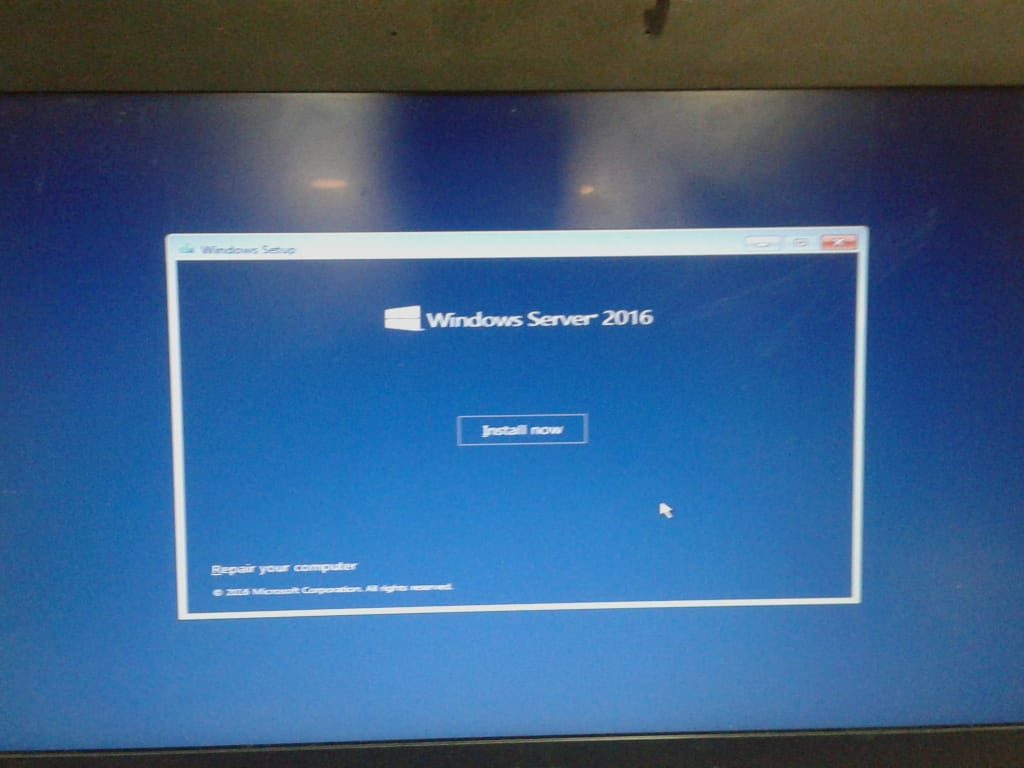
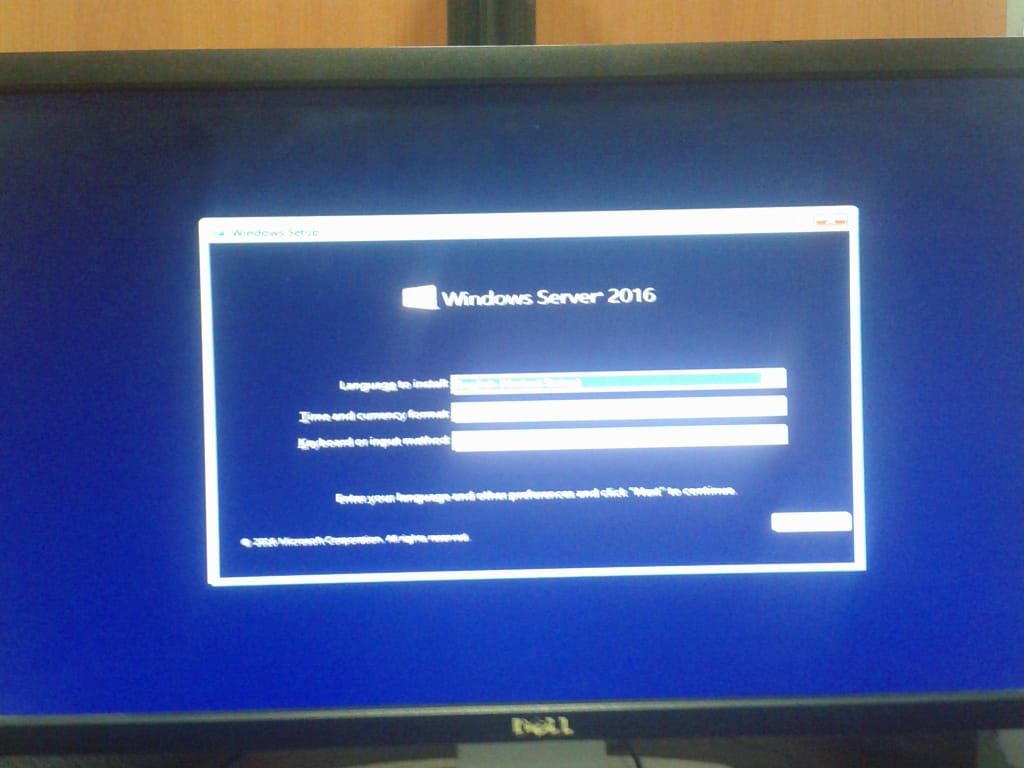
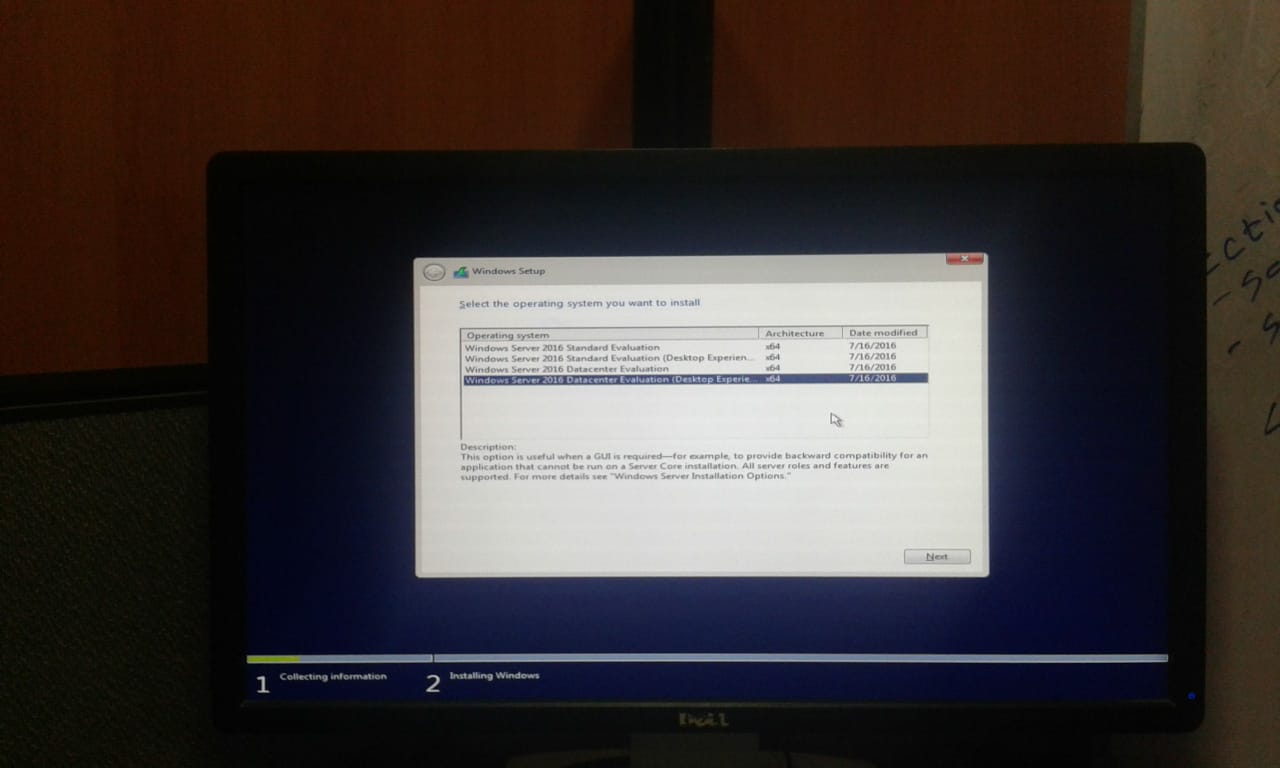
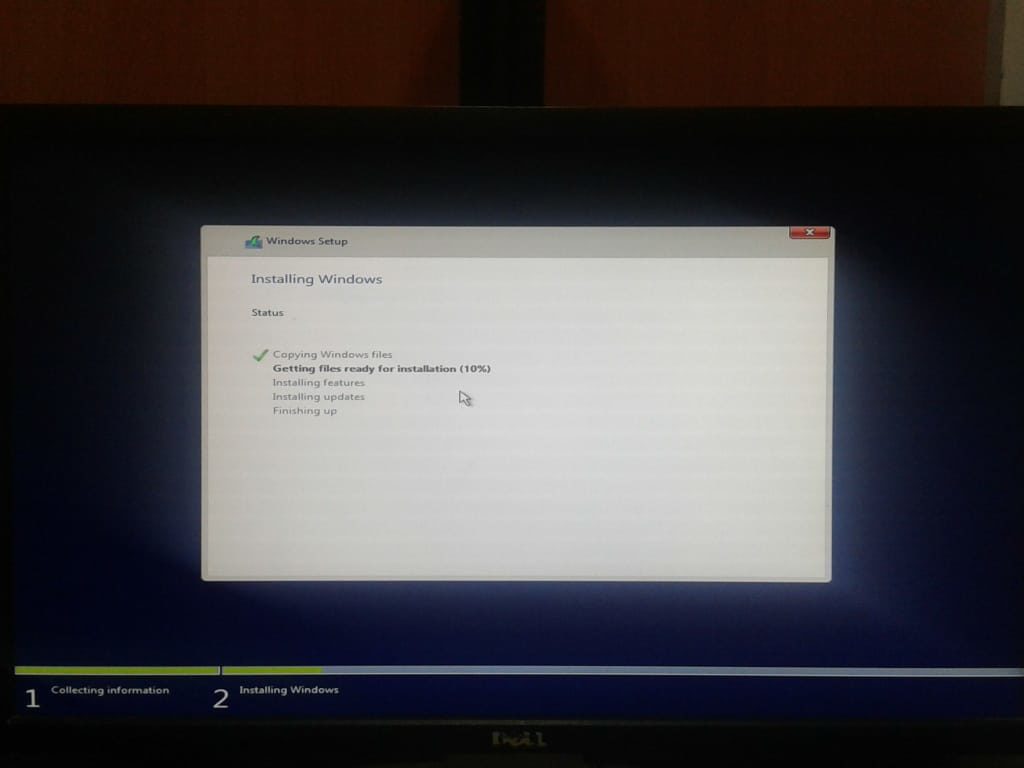
server 2016 installation at minedutech
Server 2016 installation at minedutech
server 2016 installation at minedutech
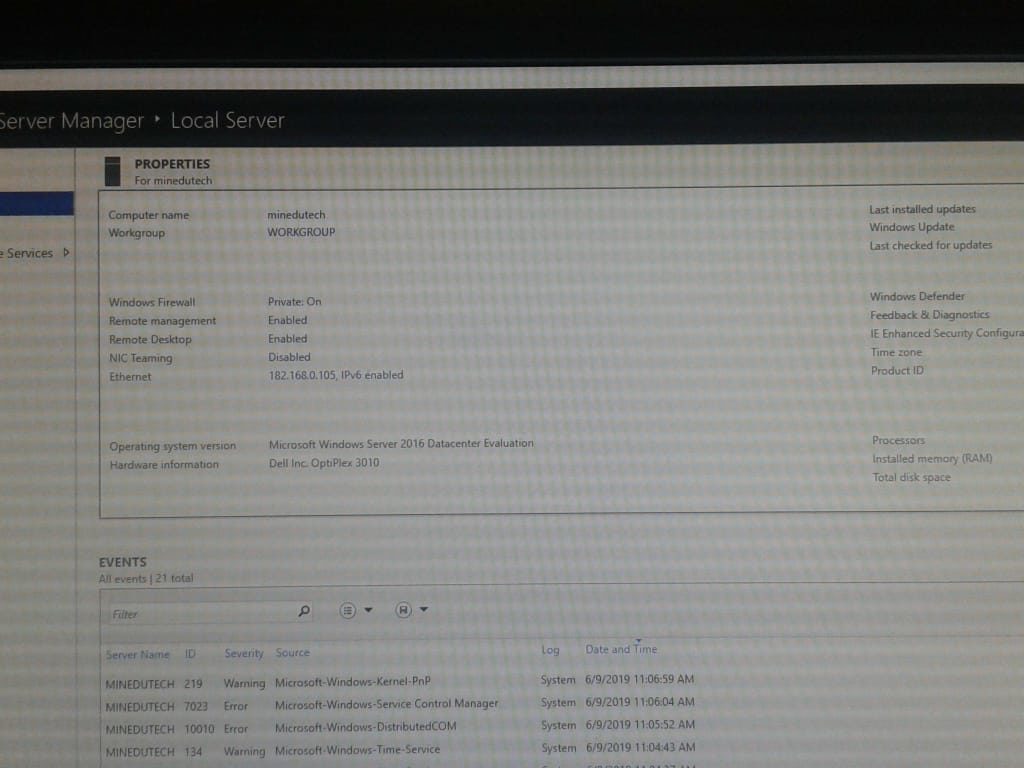
server 2016 post installation
assign Static IP to server
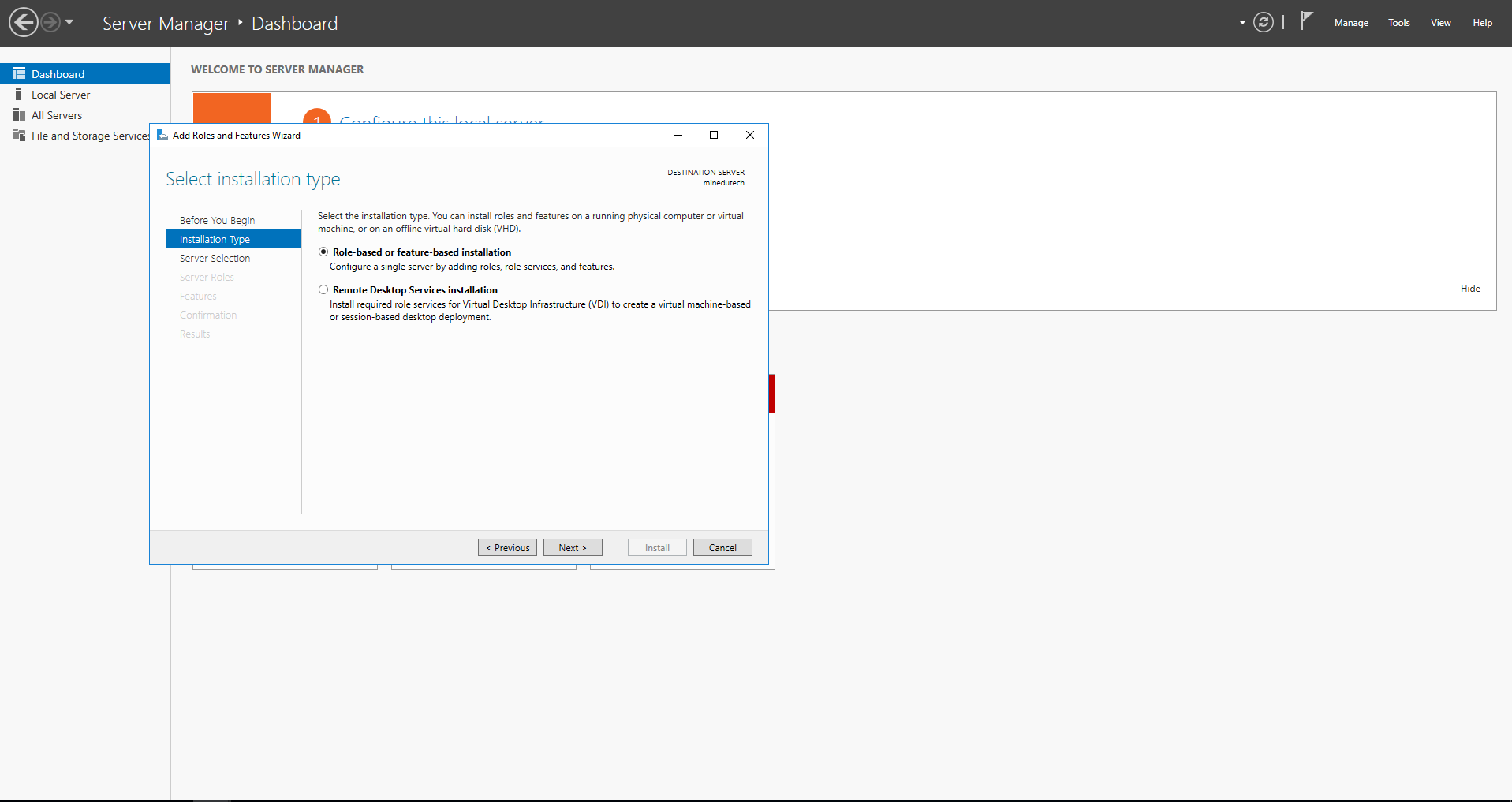
how to add roles
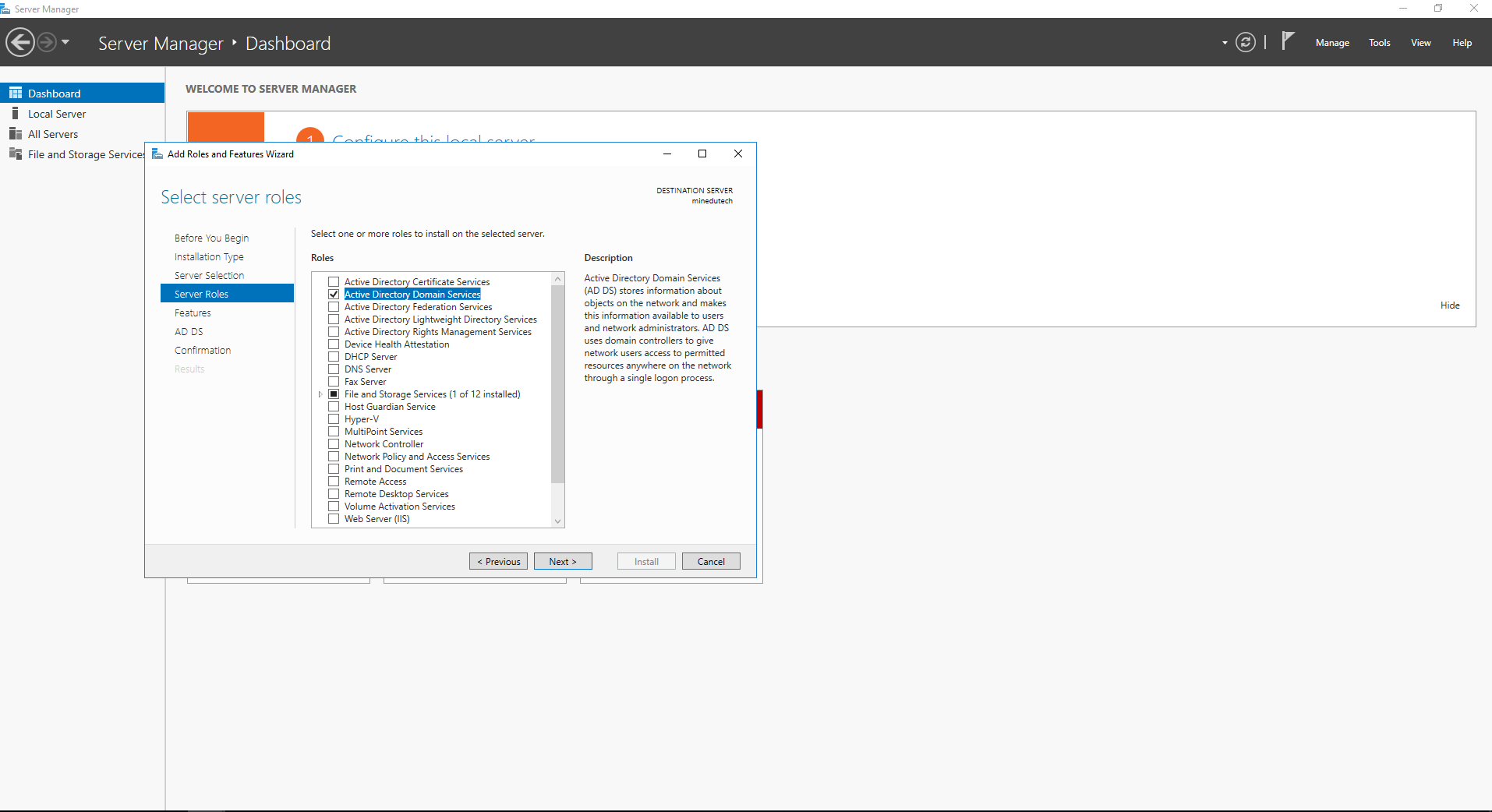
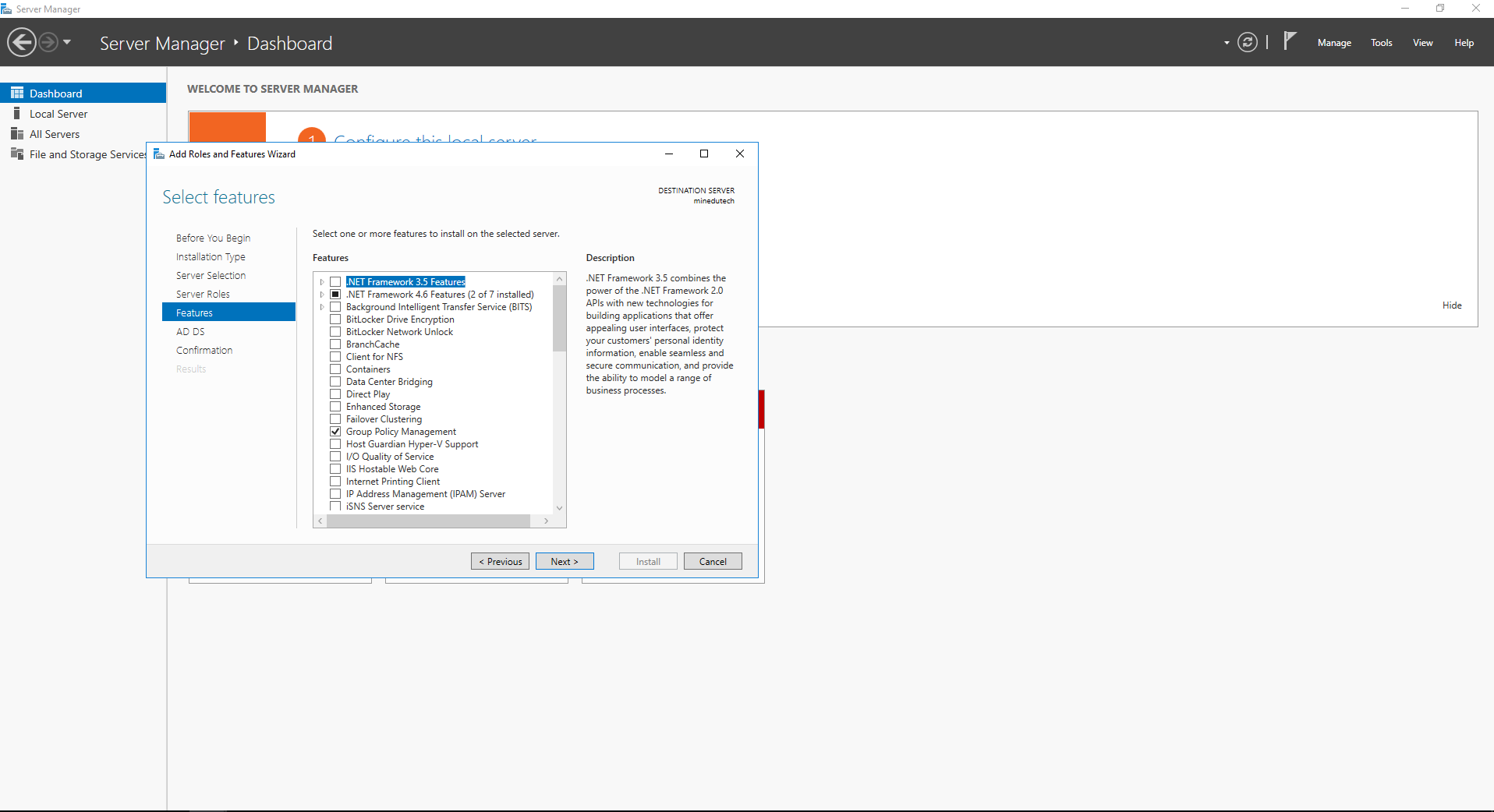
Add AD/DS to minedutech server
select GPM
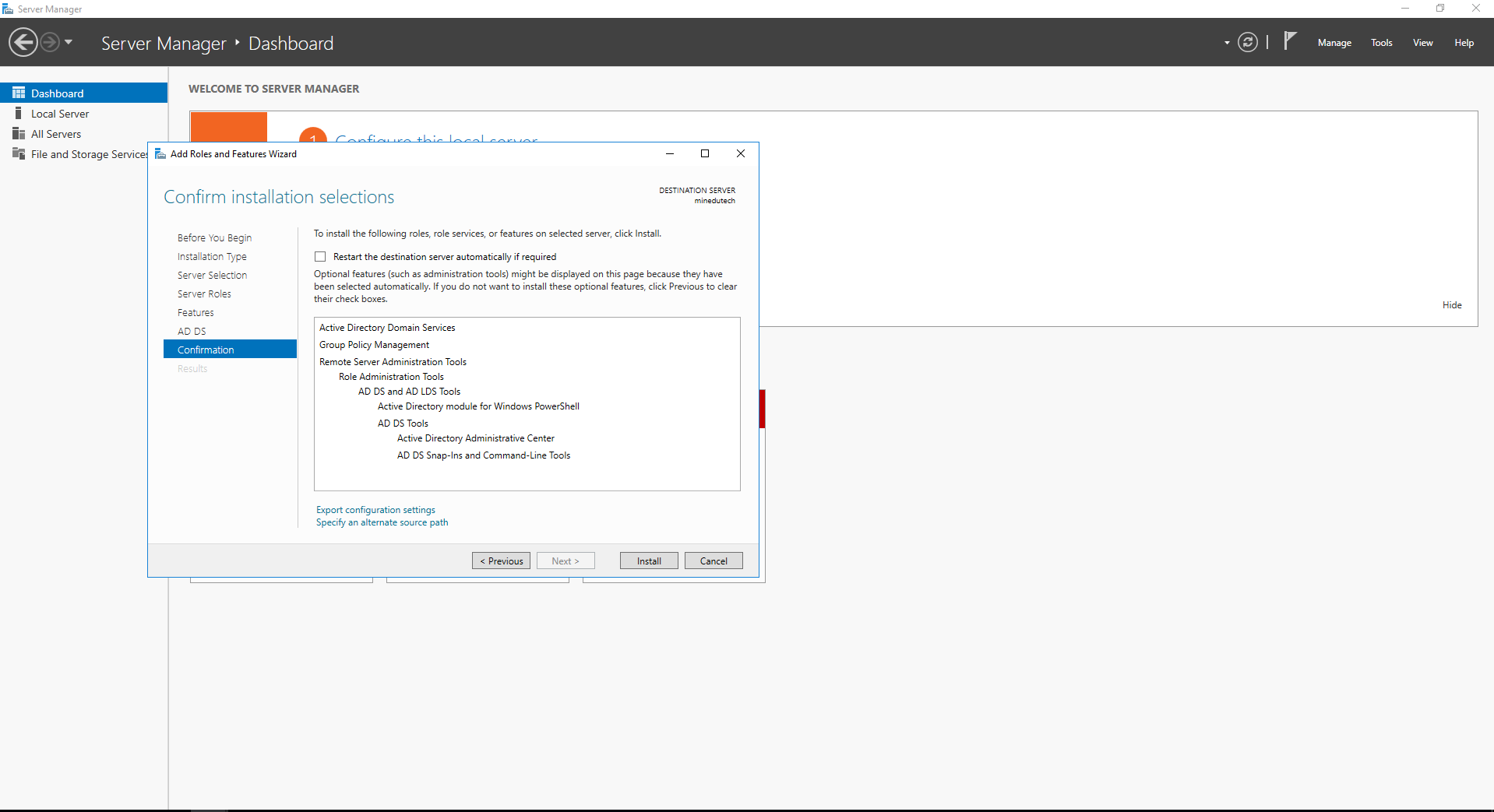
confirmation setup
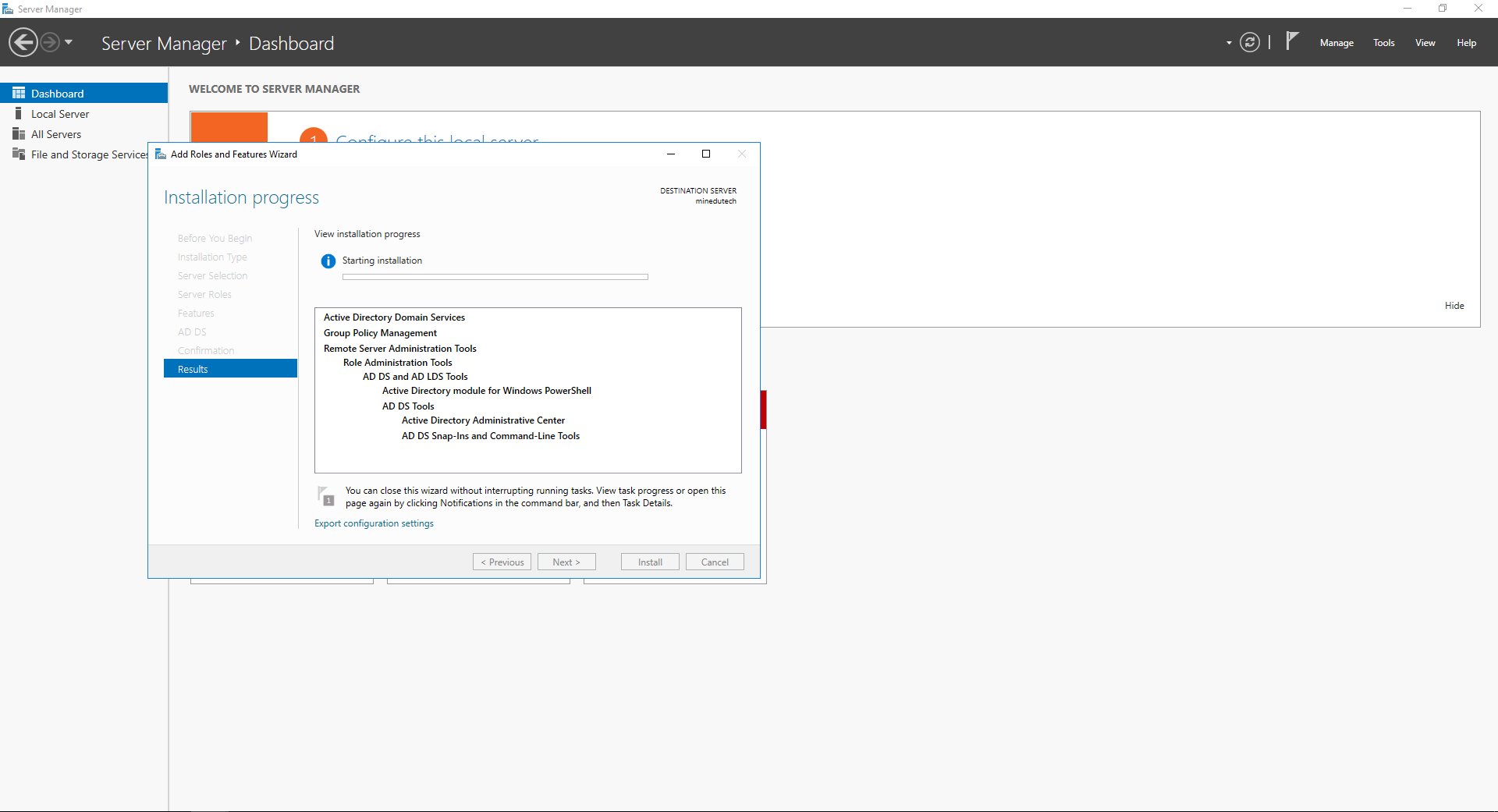
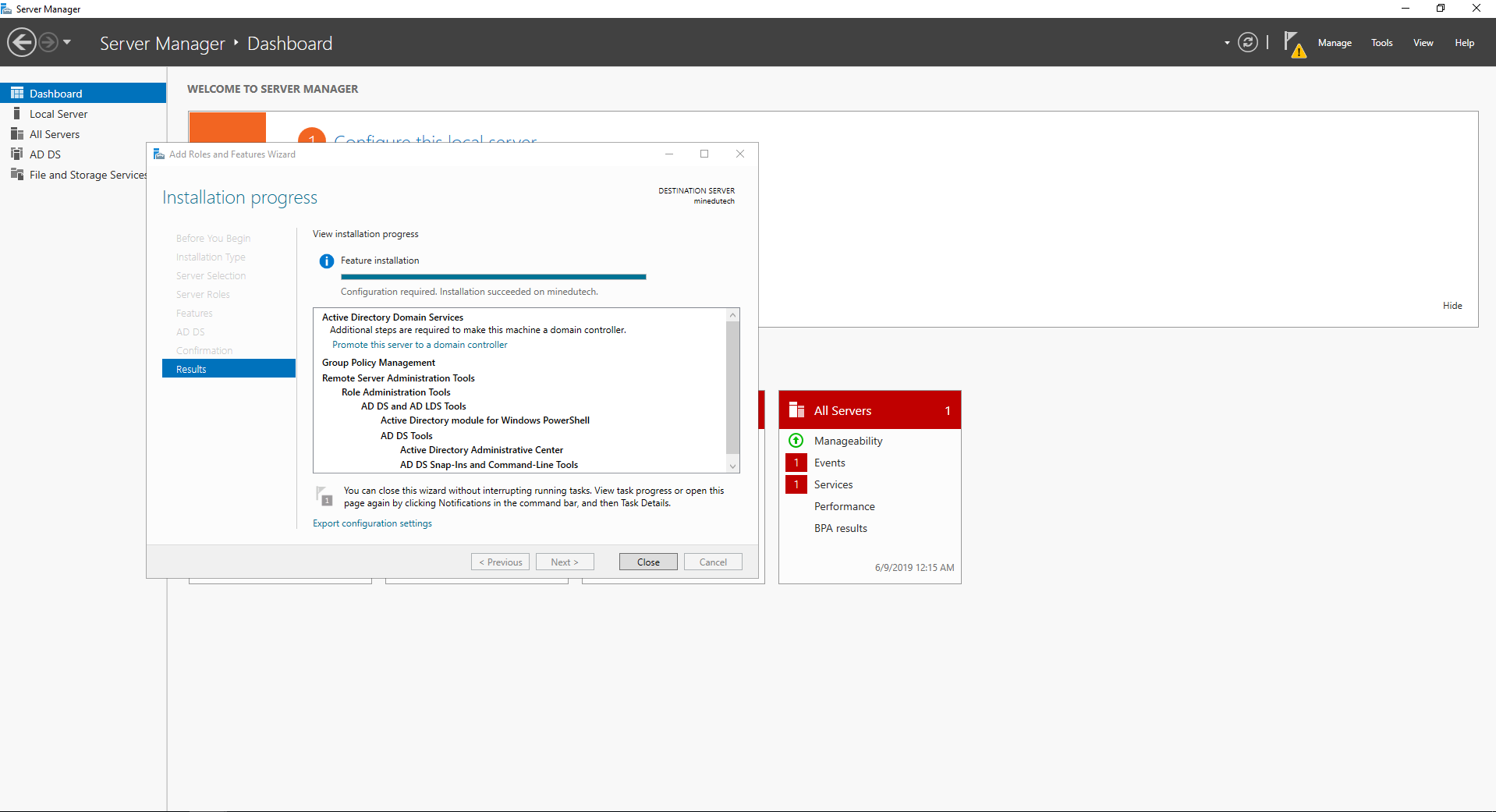
role installation in progress
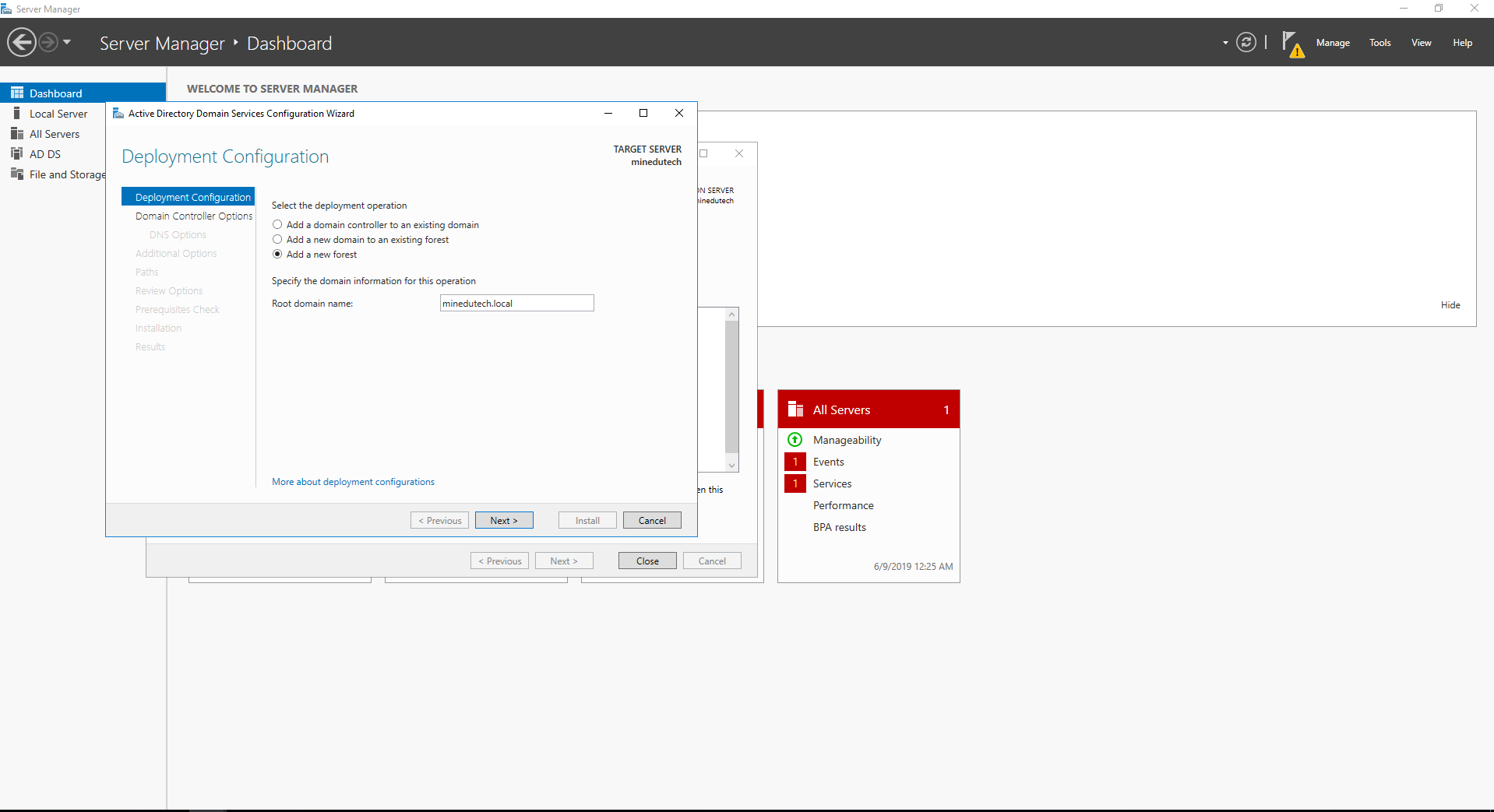
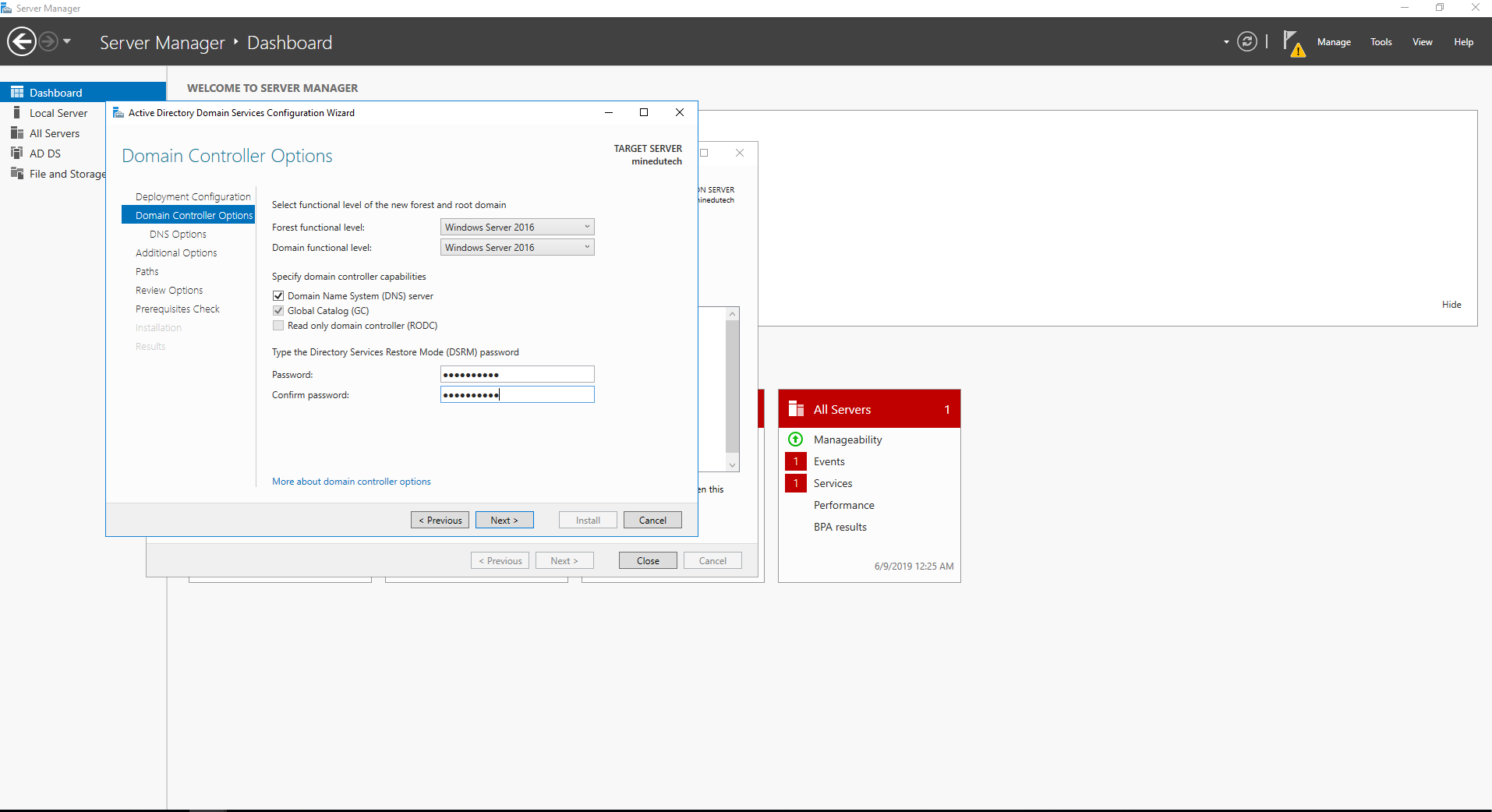
promote to Domain controller
Add Forest
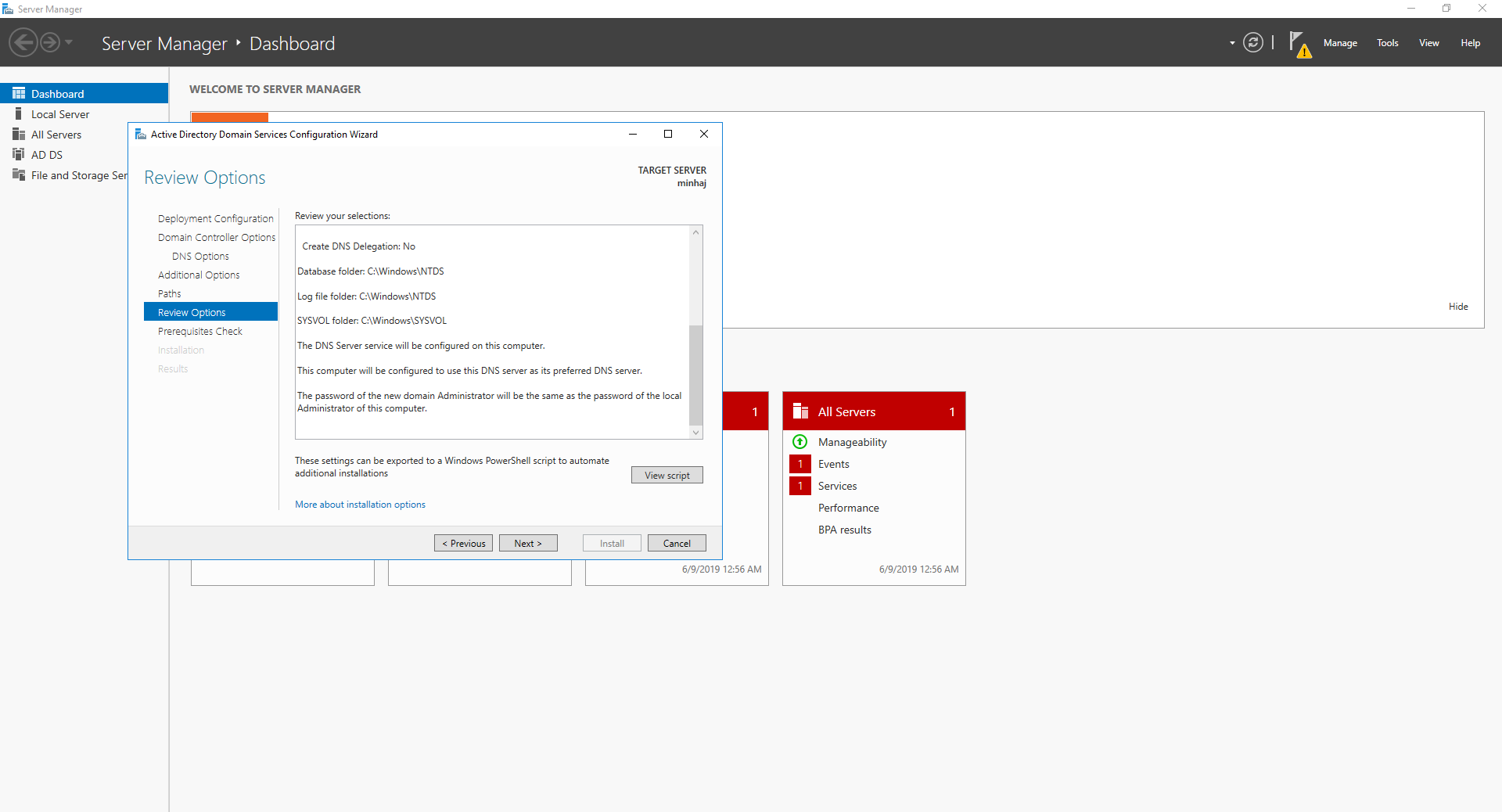
options review
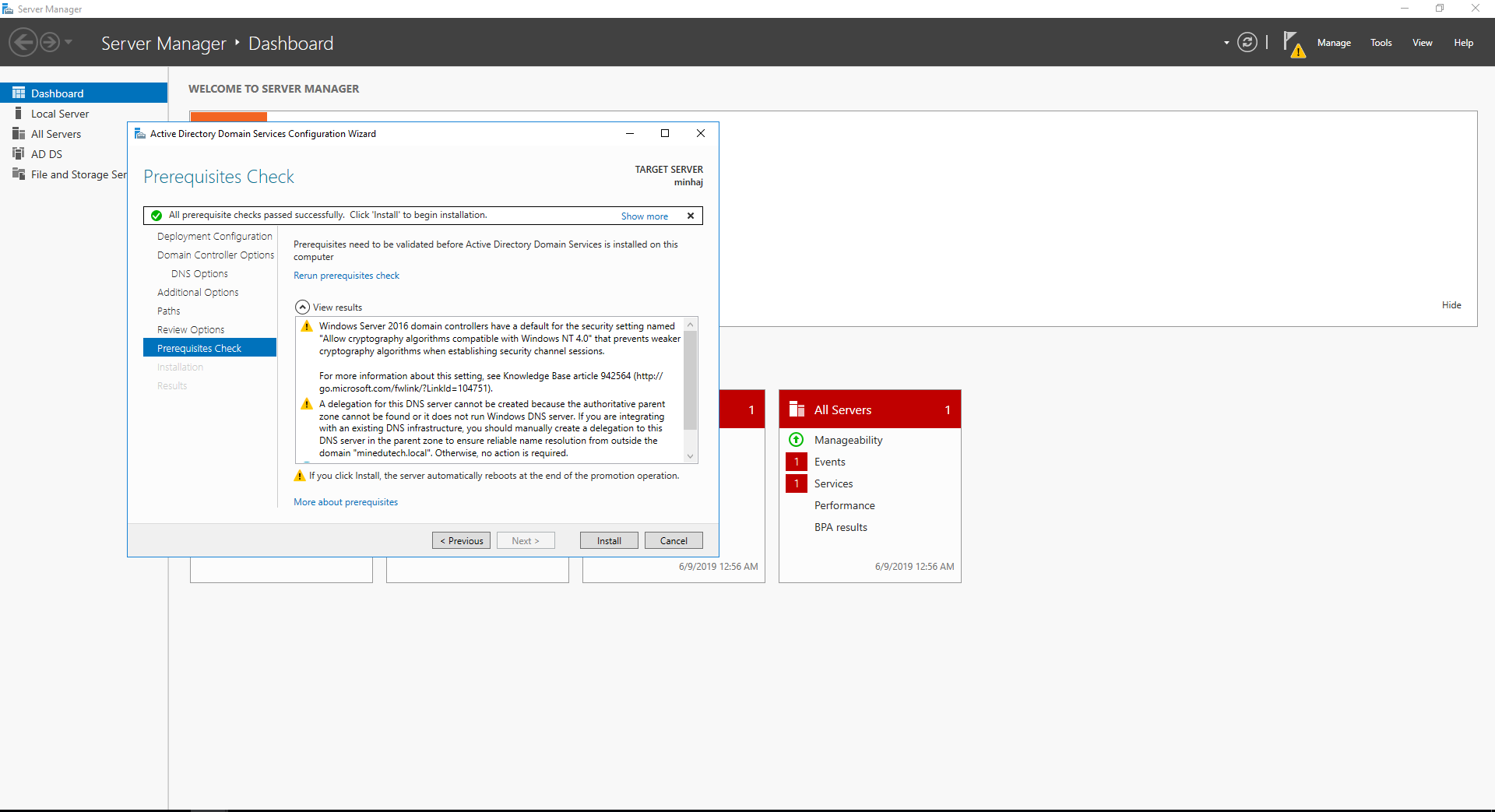
prerequisites check
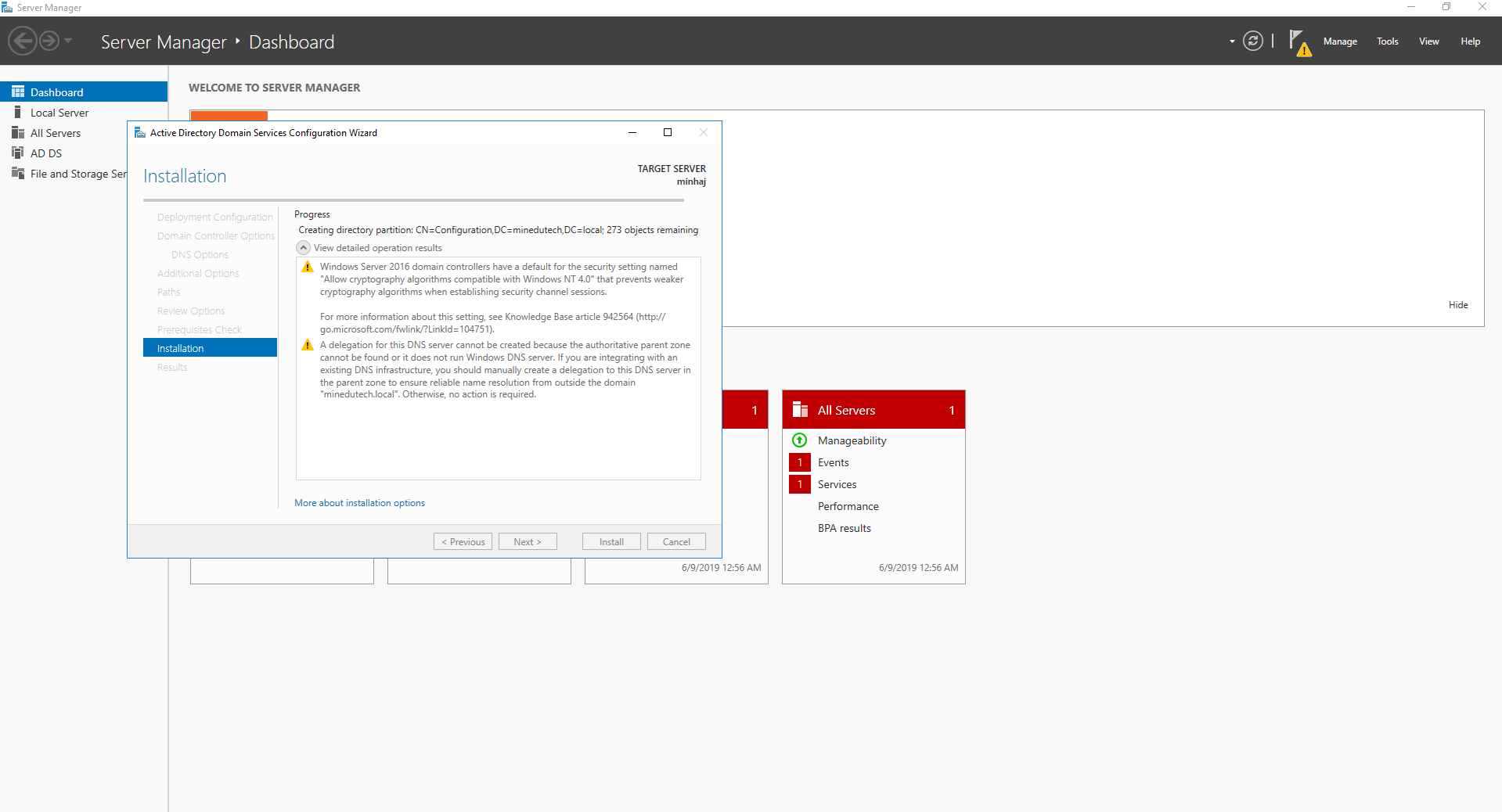
installation begin
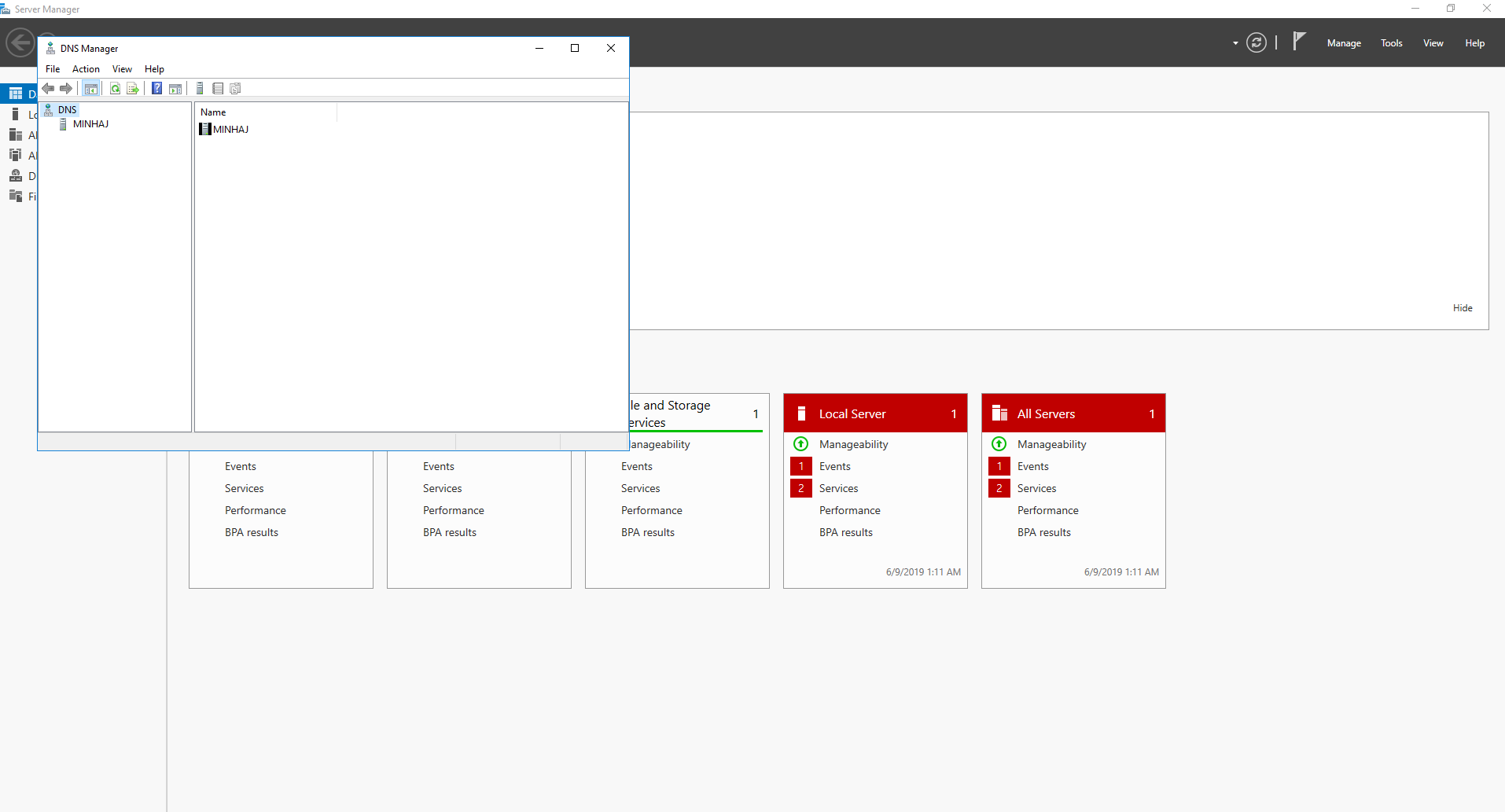
now open DNS wizard
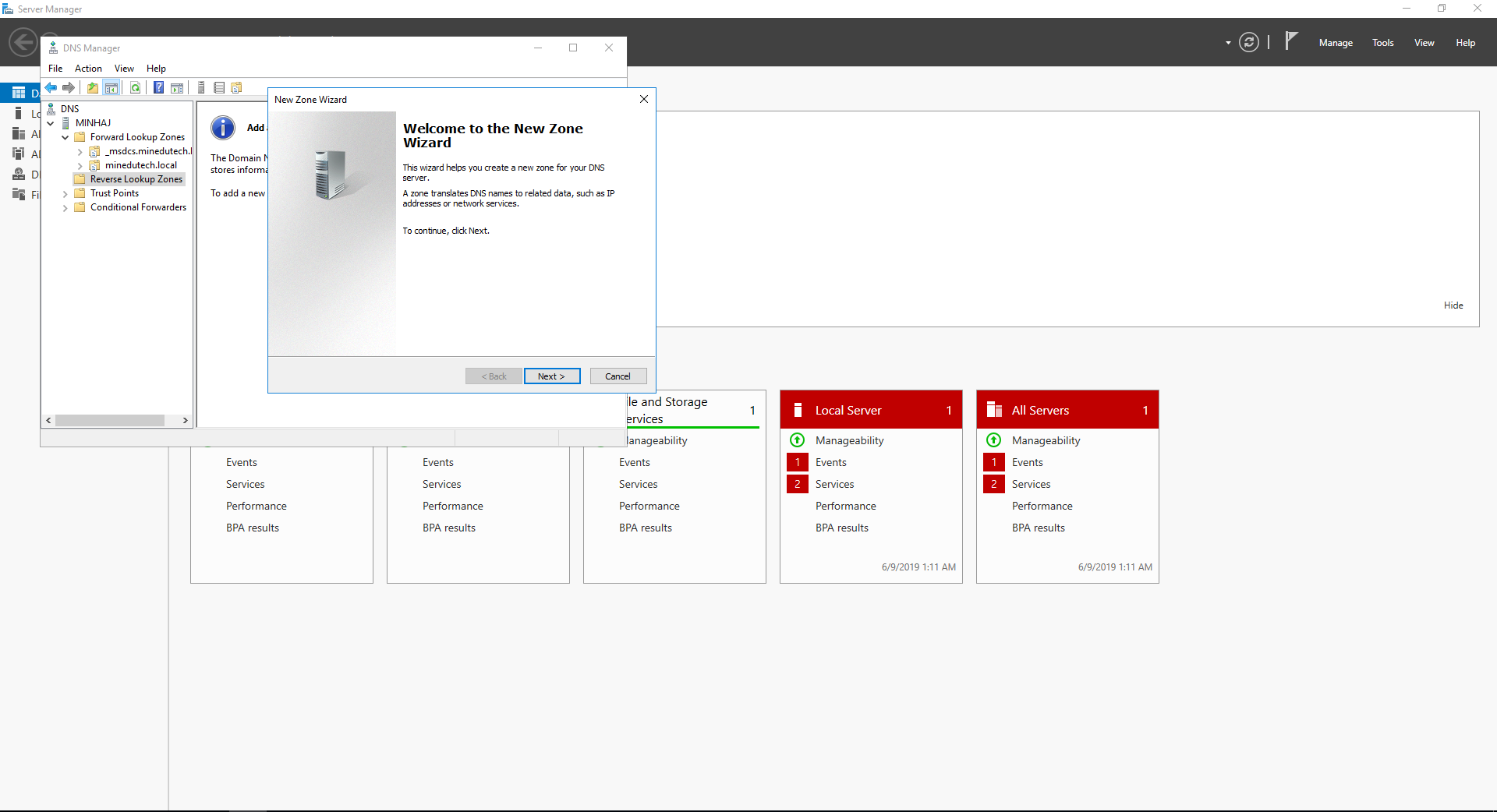
Add reverse lookup zone in DNS
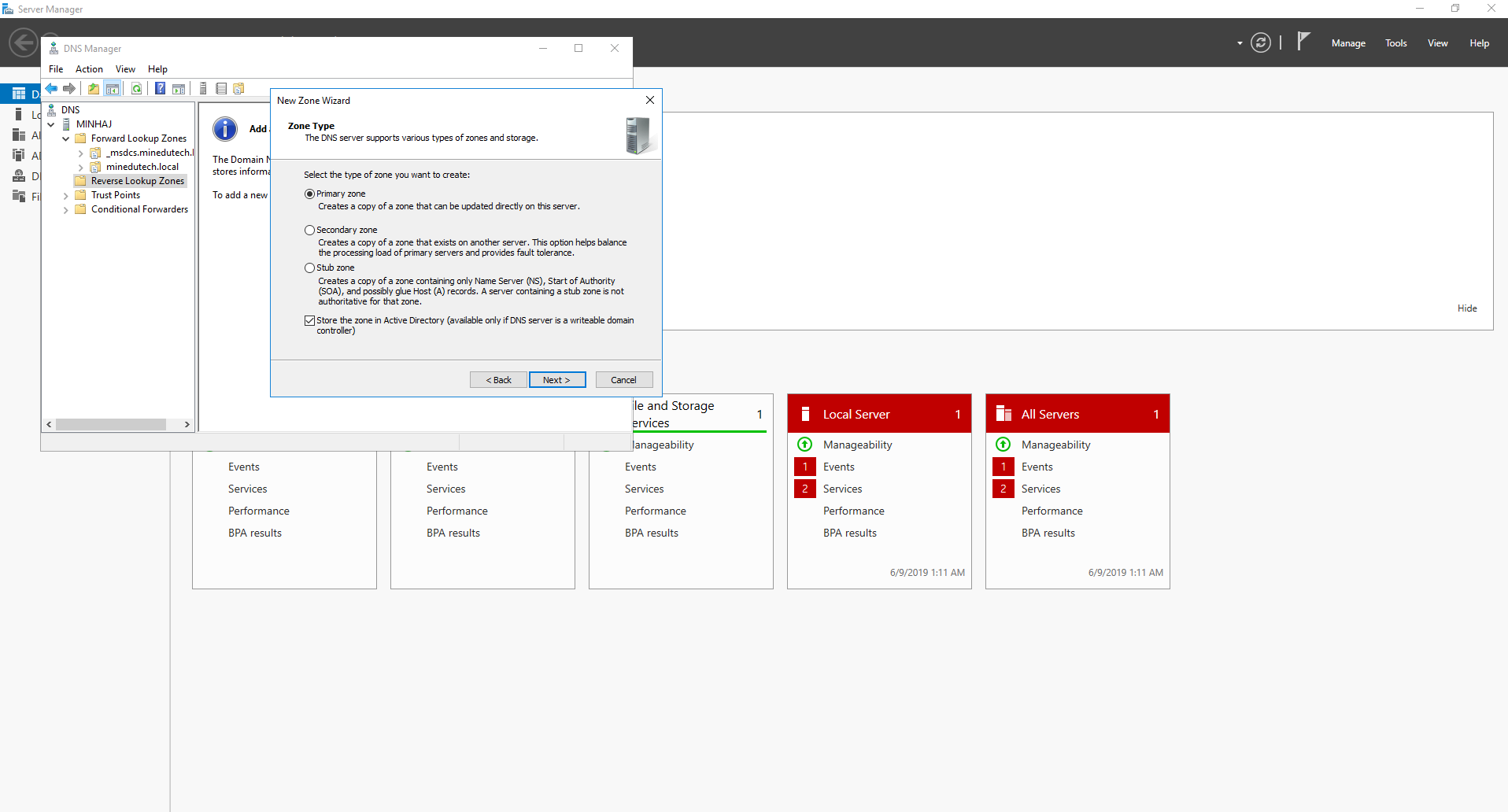
select primary zone option
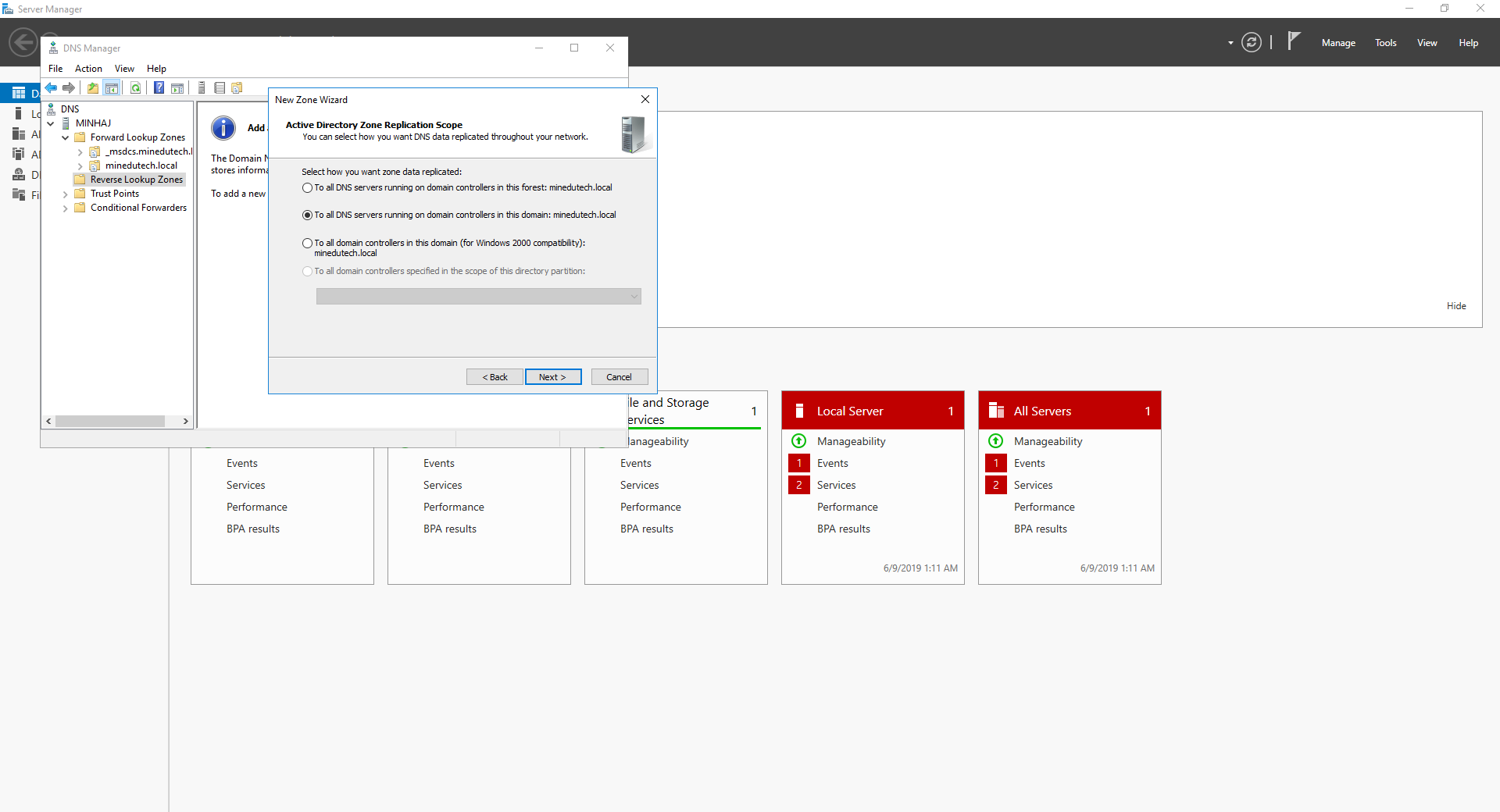
zone replication scope
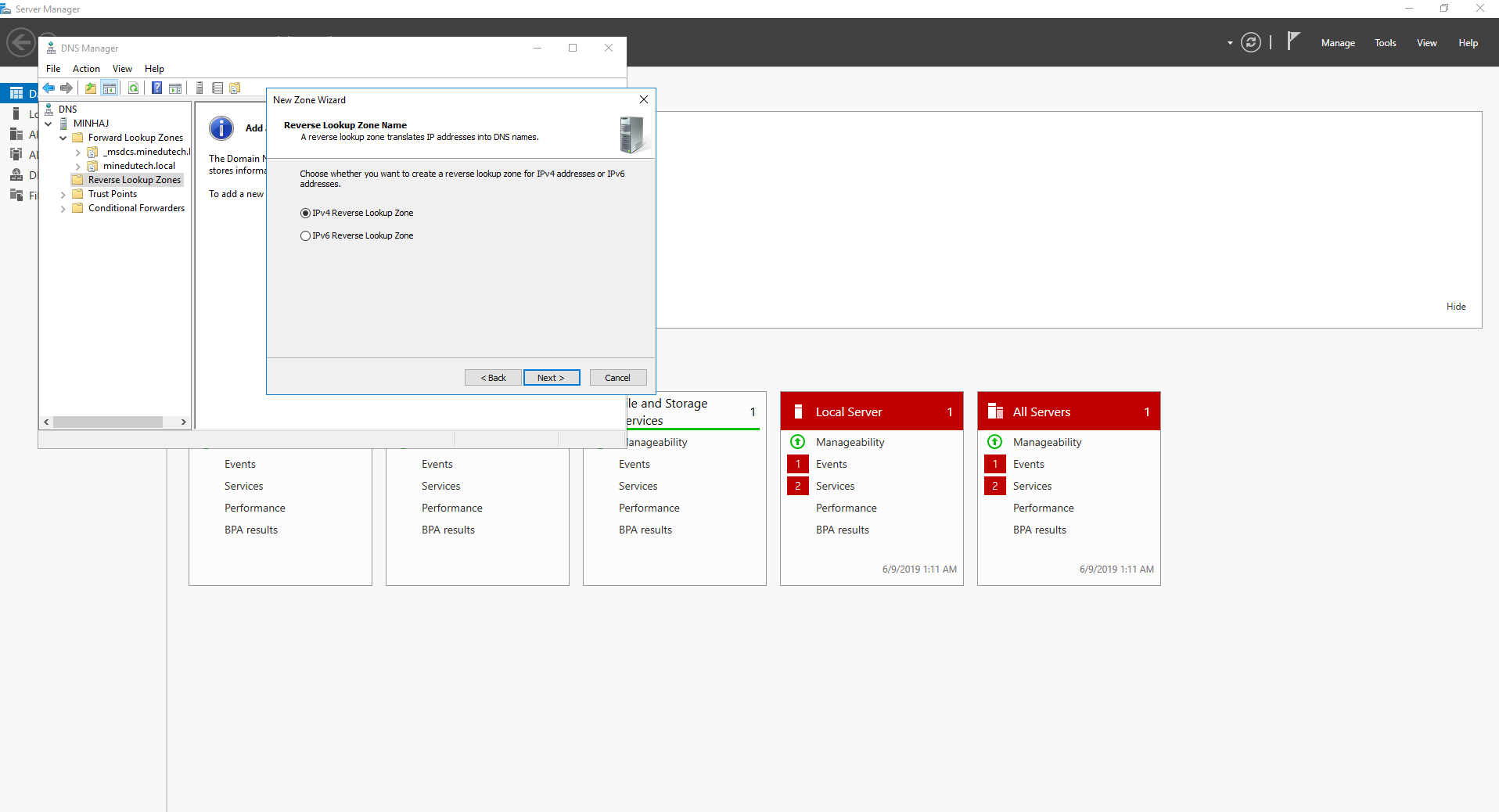
select IPV4 option
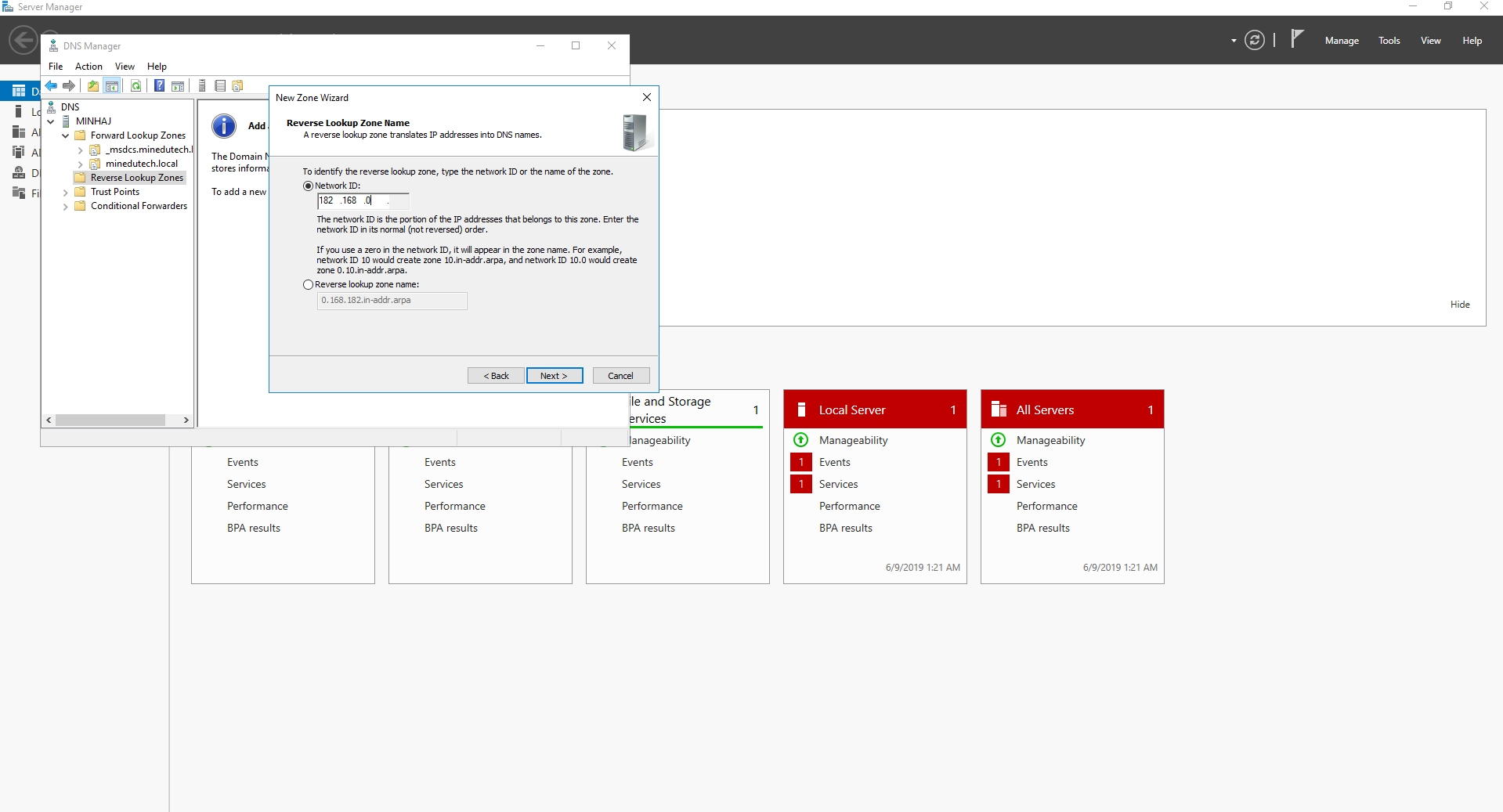
Enter Network ID
Enter Network ID which is network octal
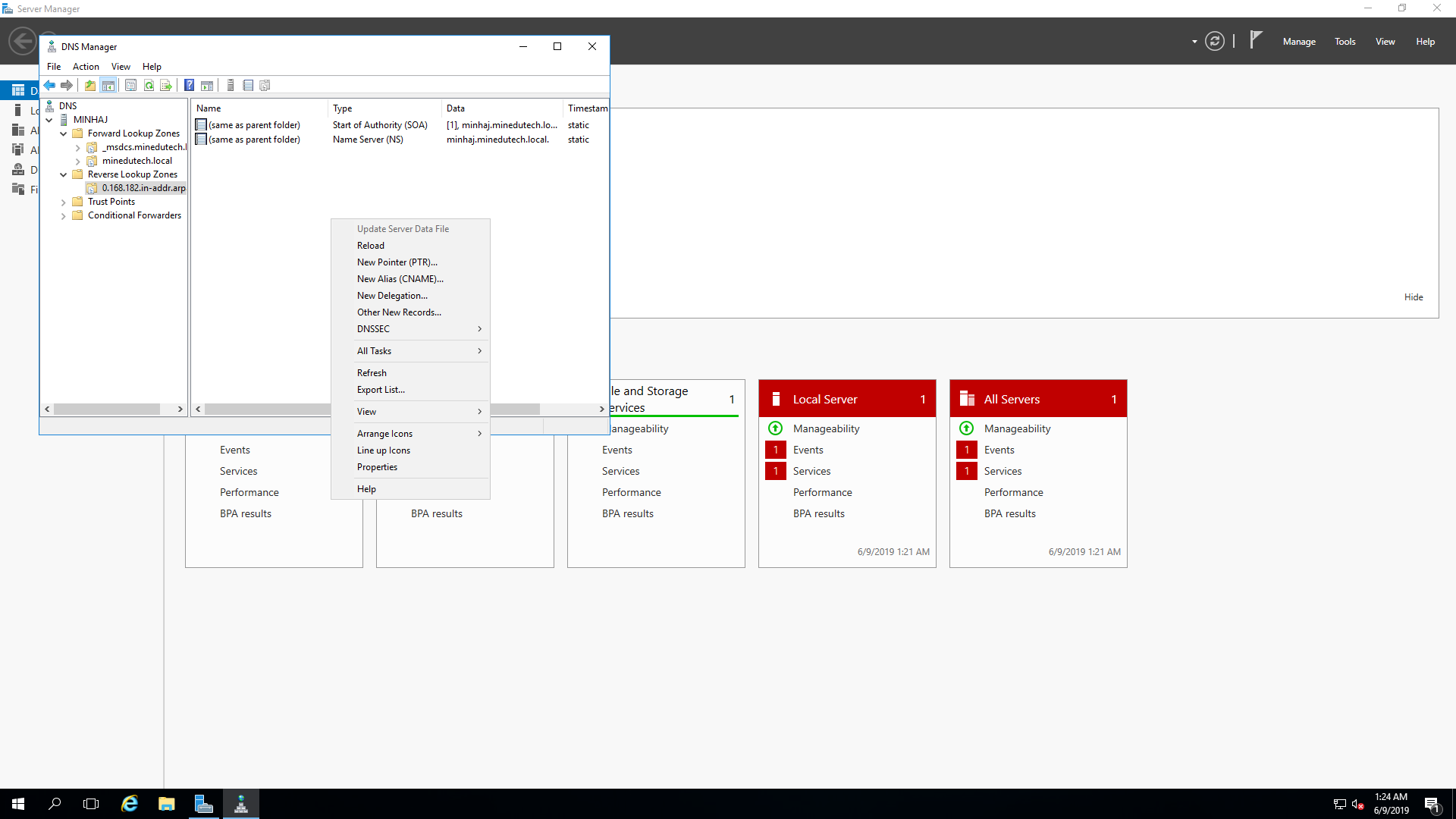
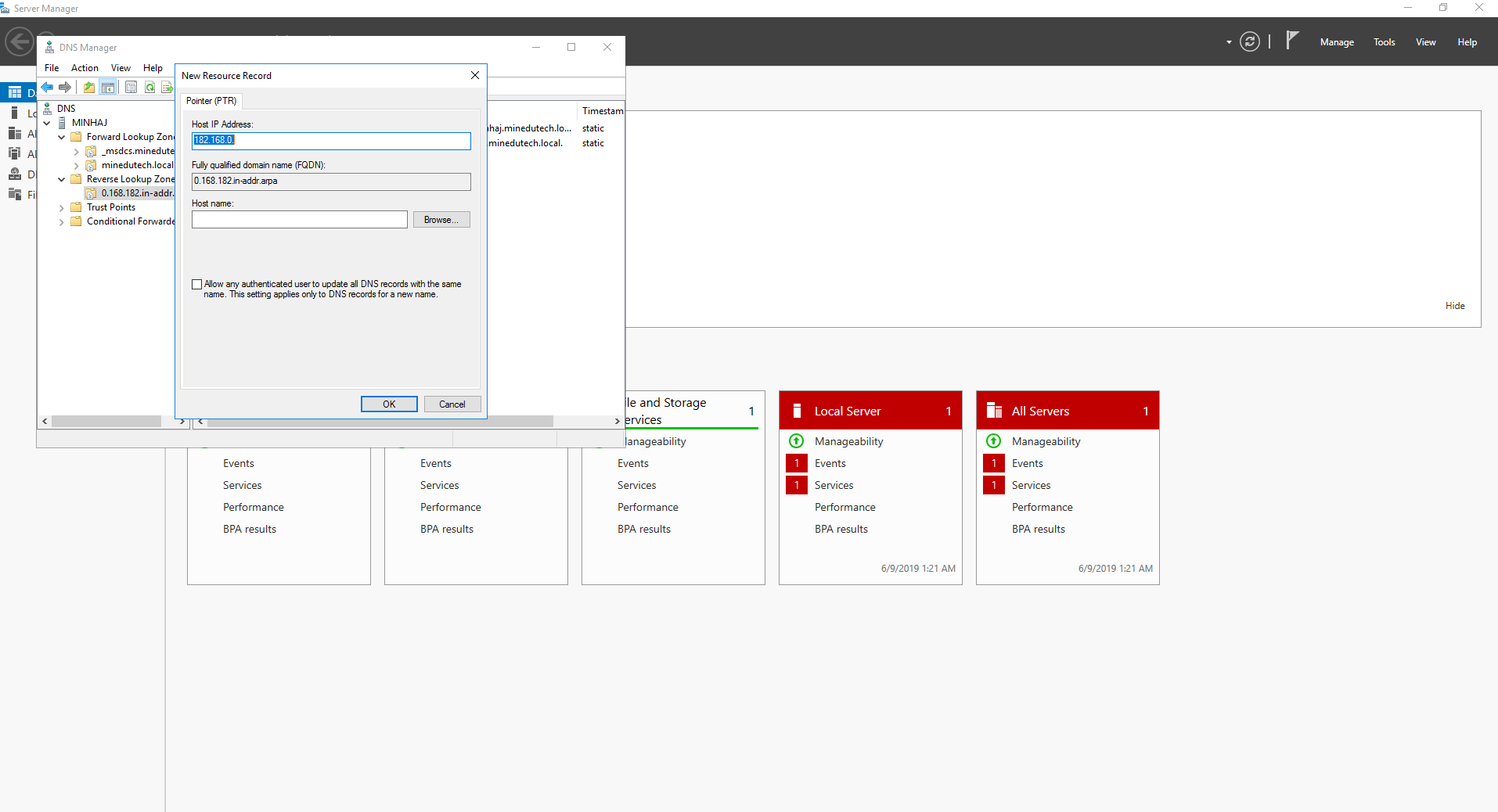
Add new Pointer
Add new Pointer
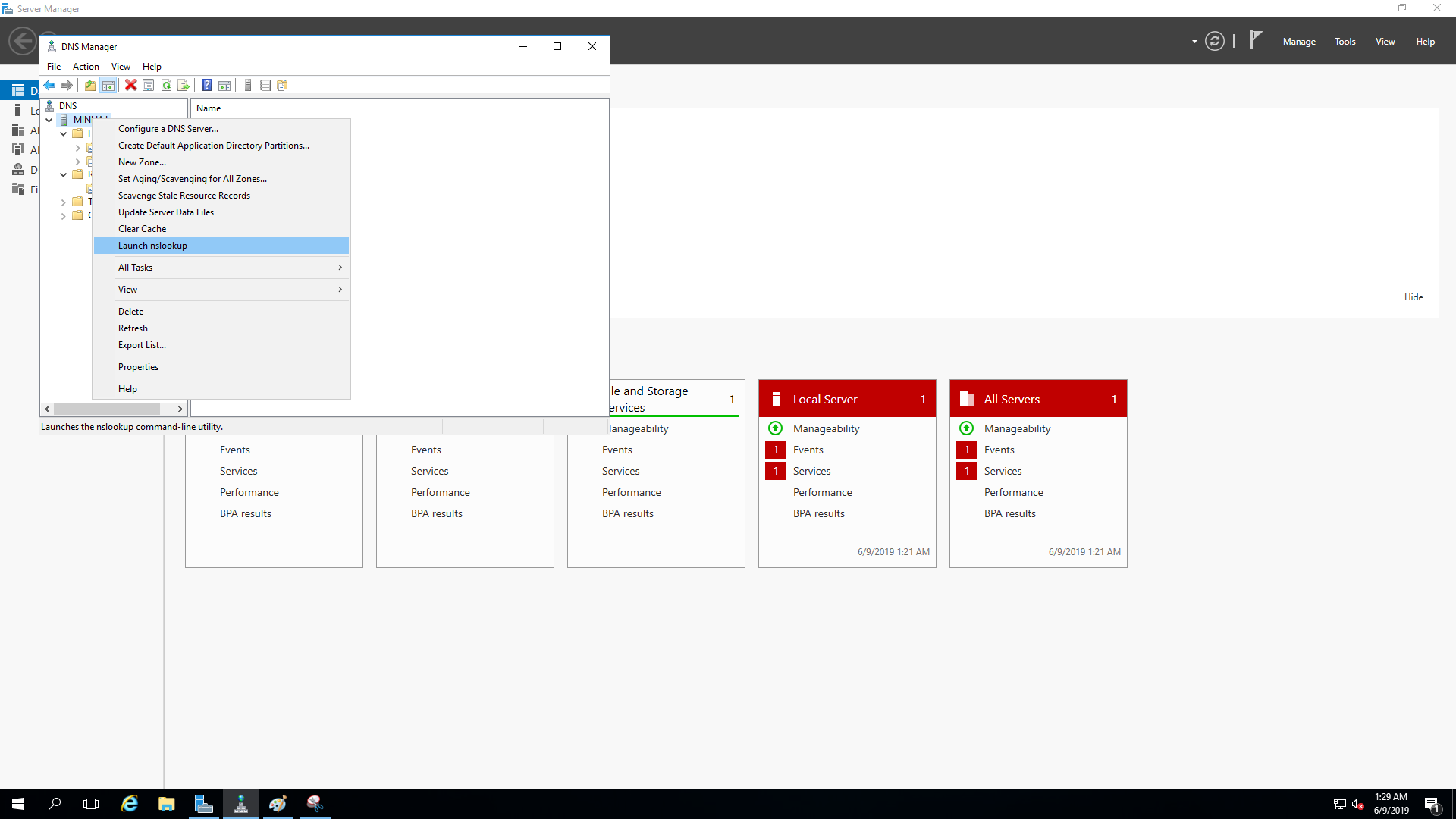
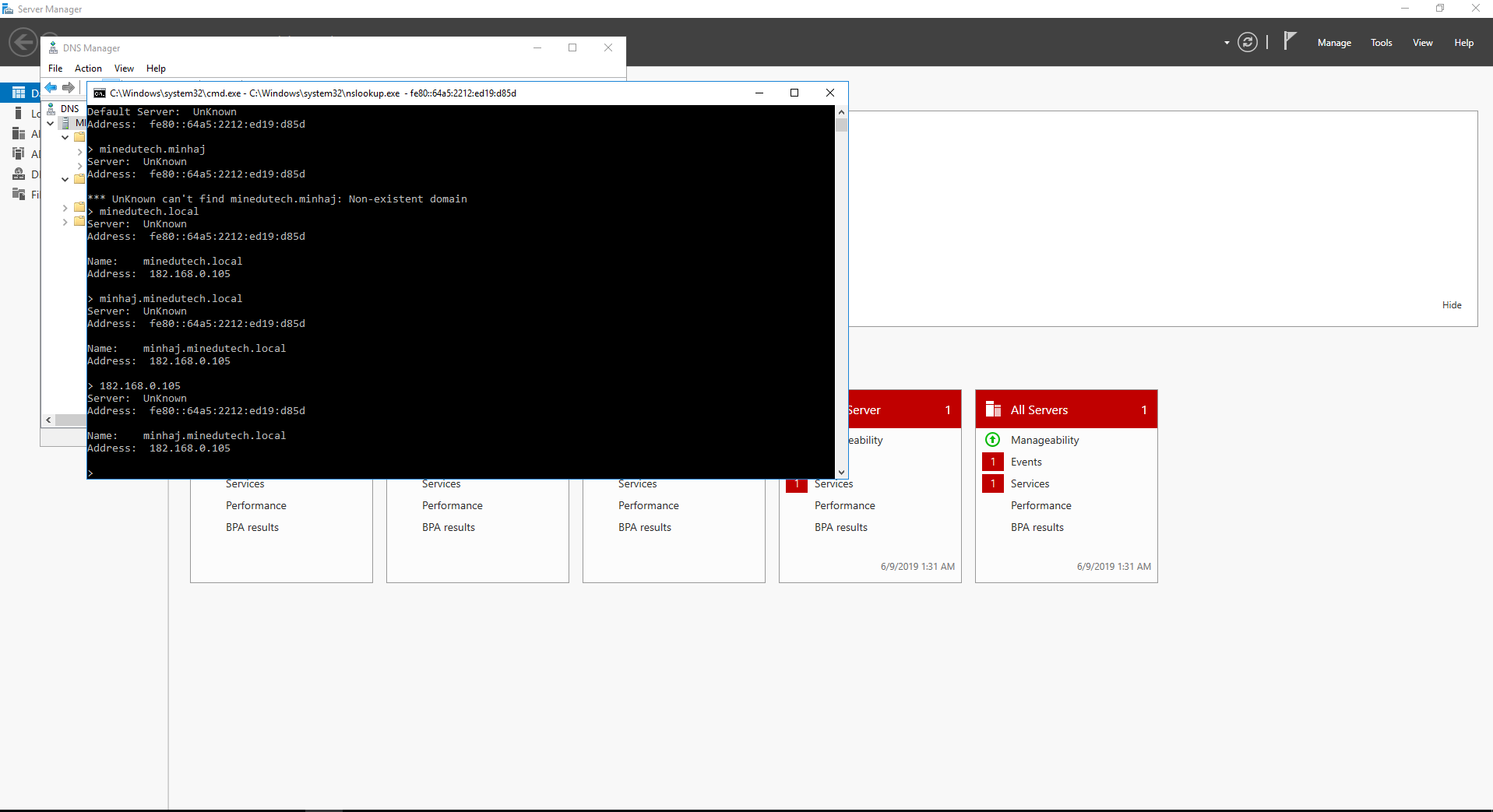
lunch nslookup
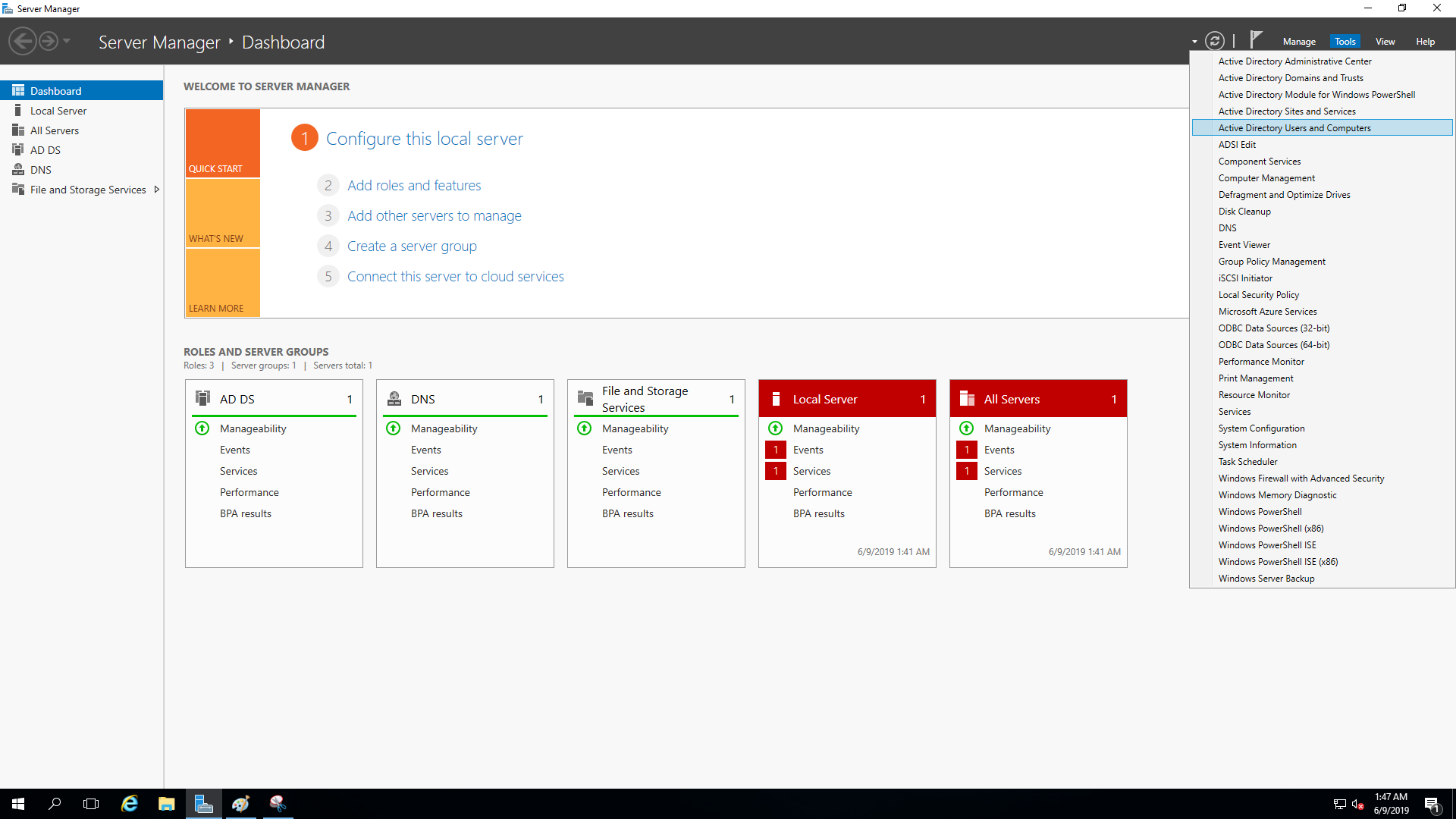
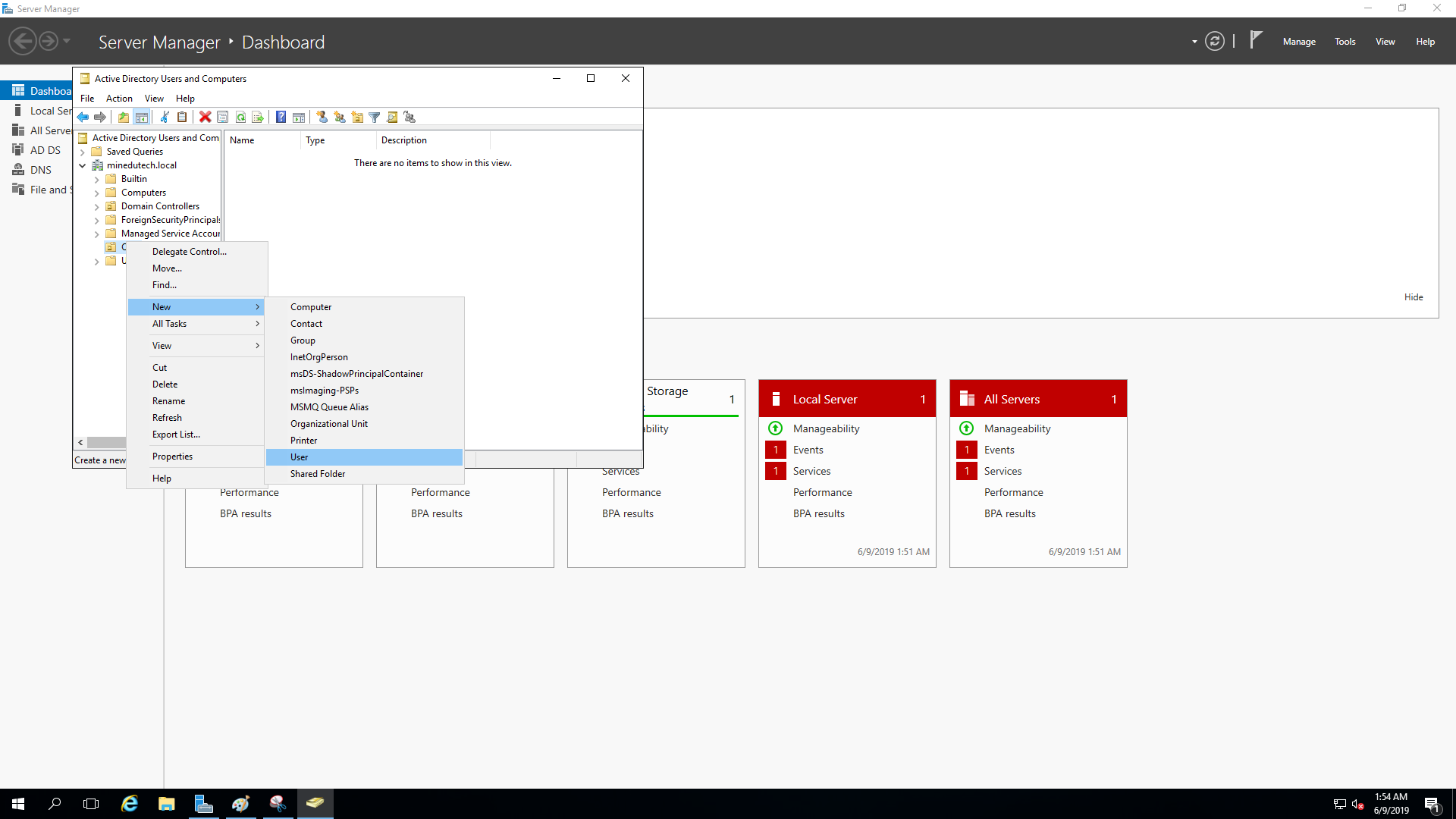
open AD user option
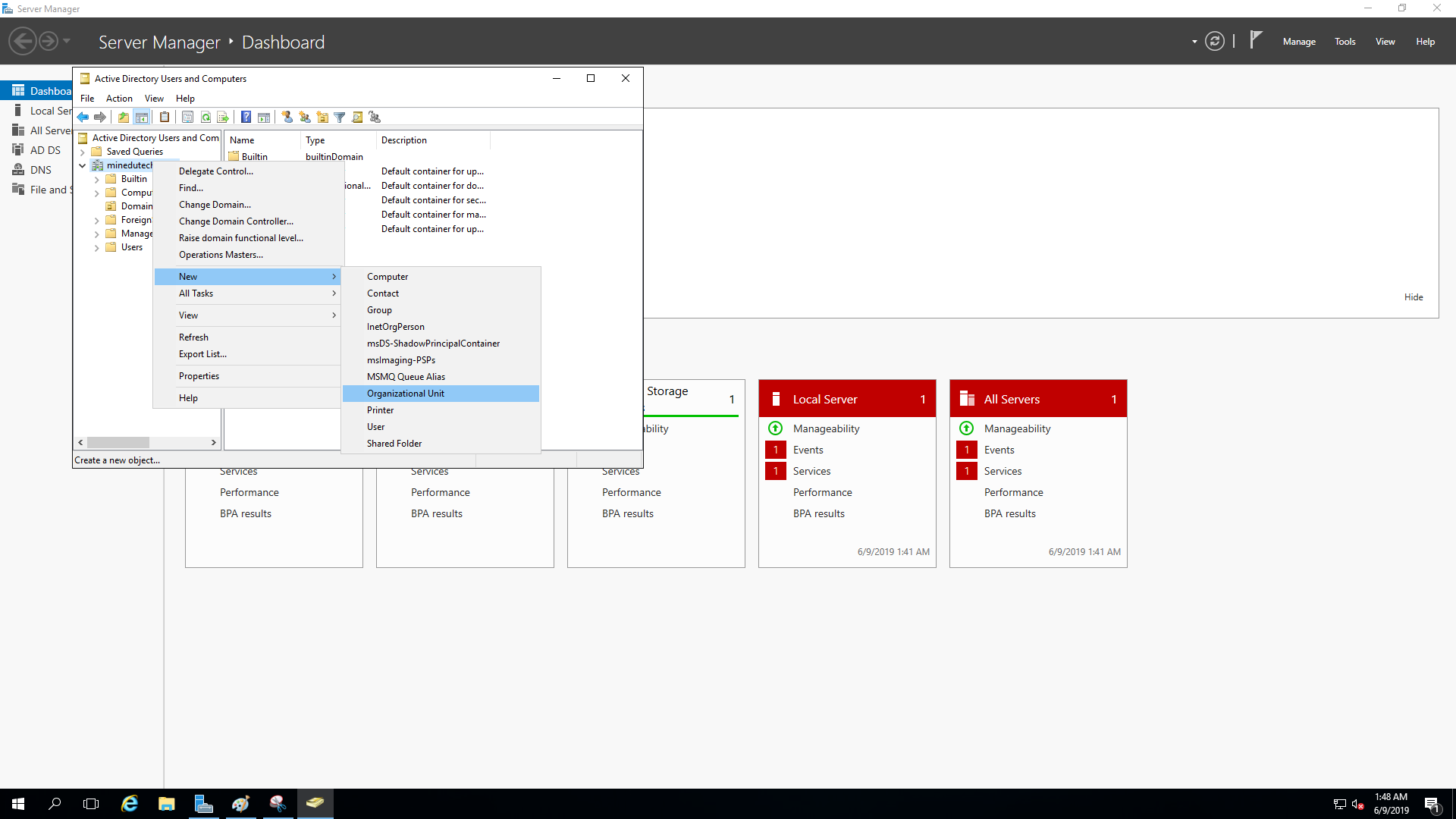
Ad new OU
user creation in OU
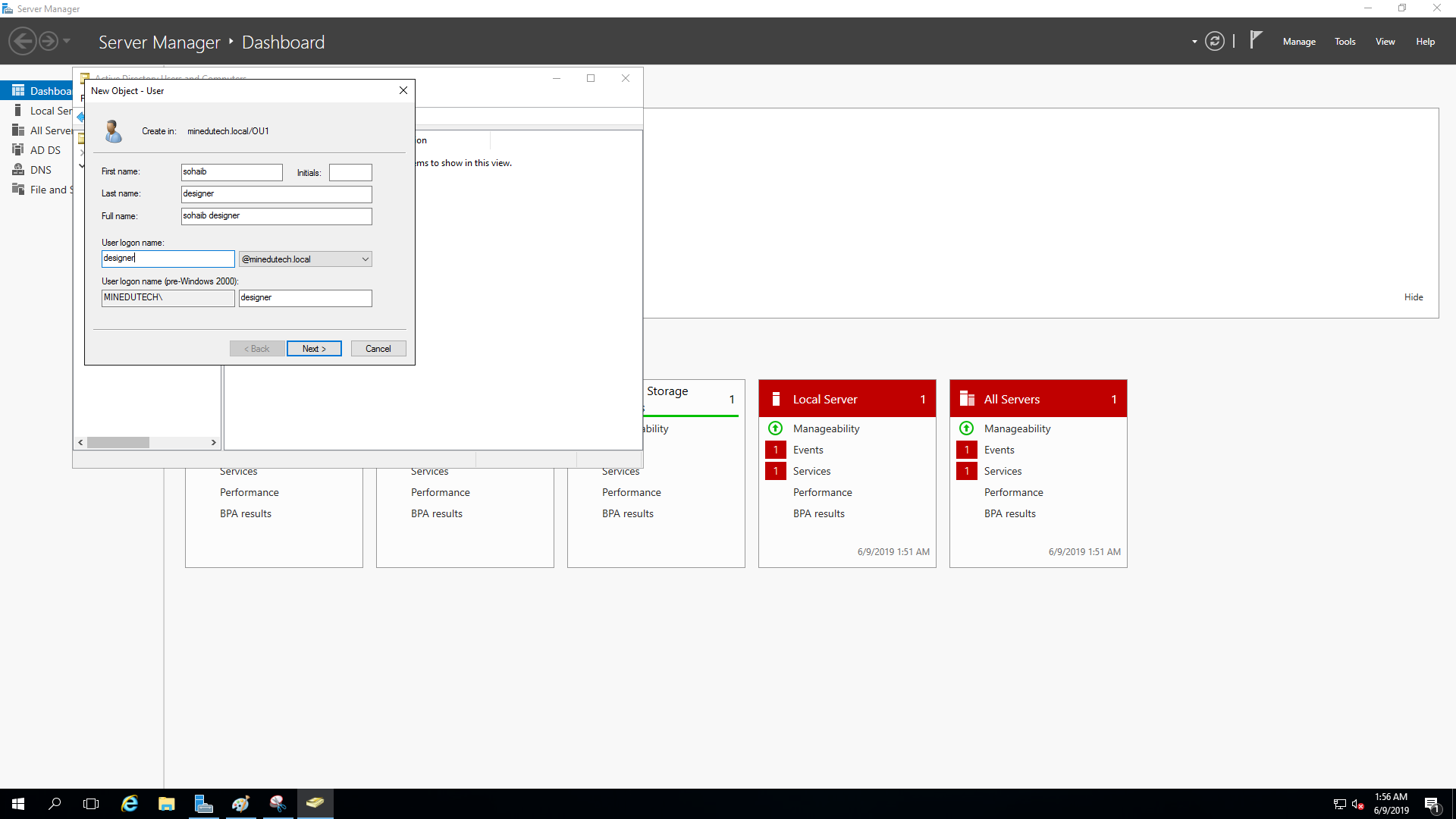
now enter the name designation of user
now enter the name and designation of user
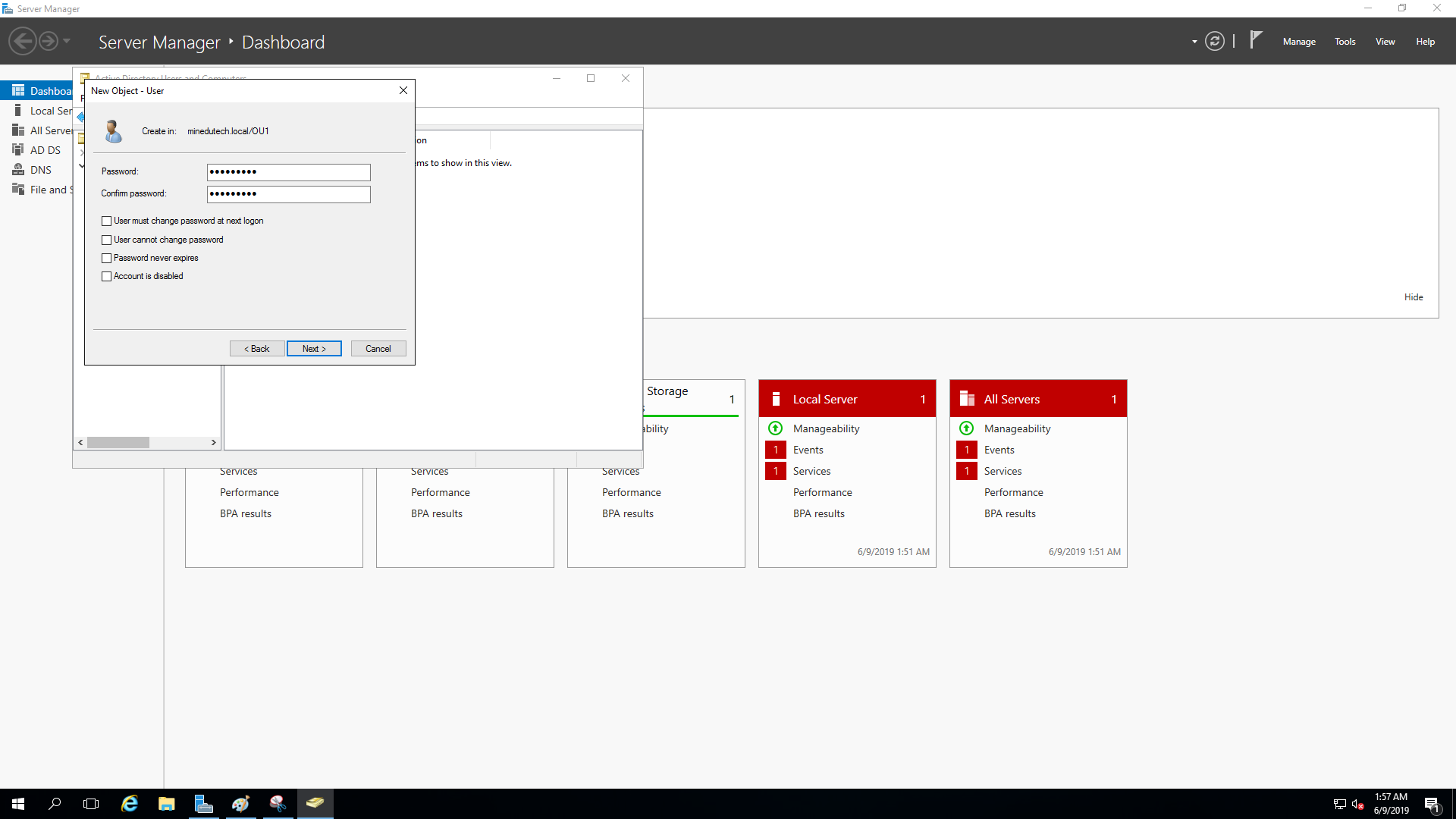
enter password for user
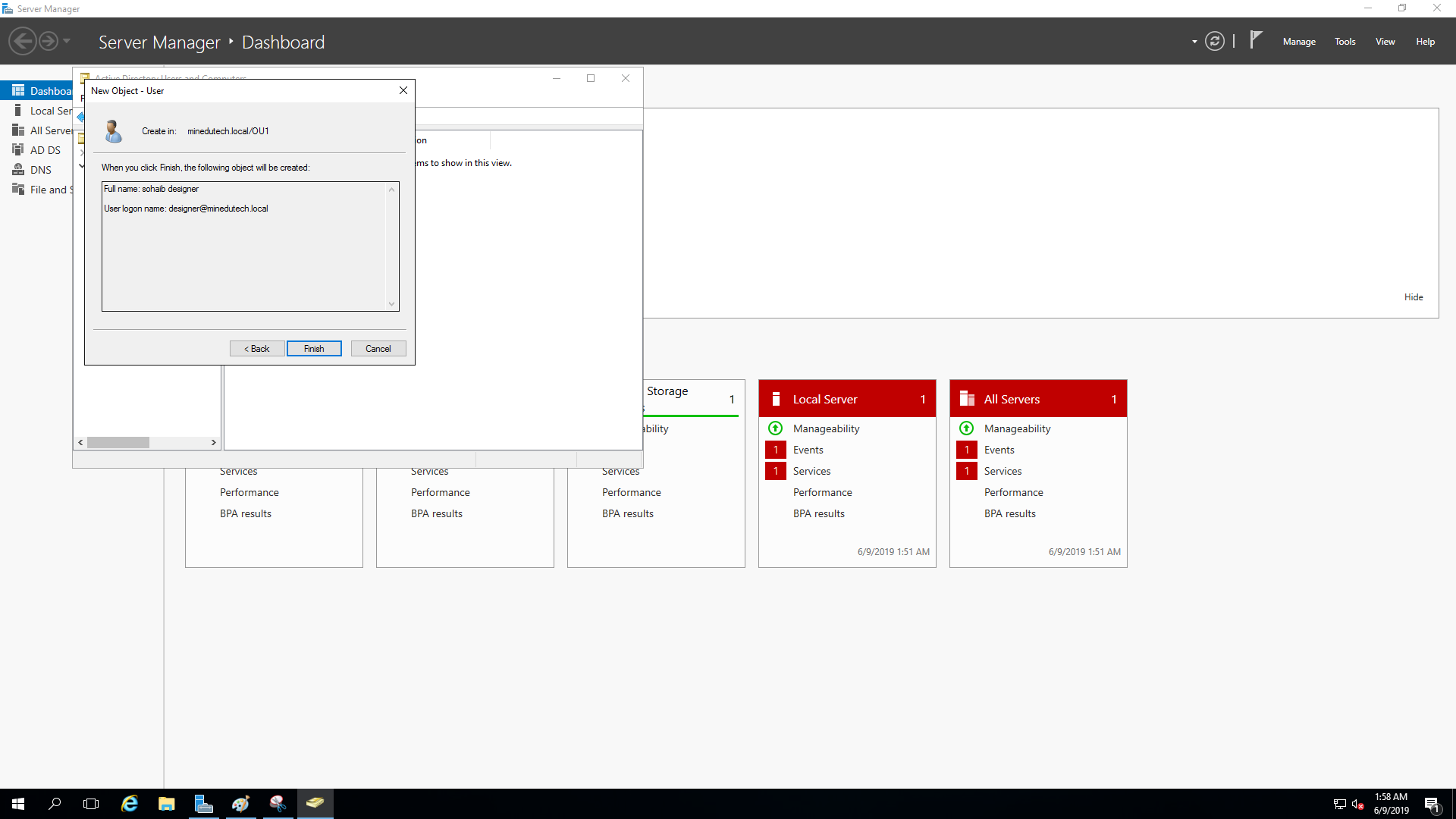
finish
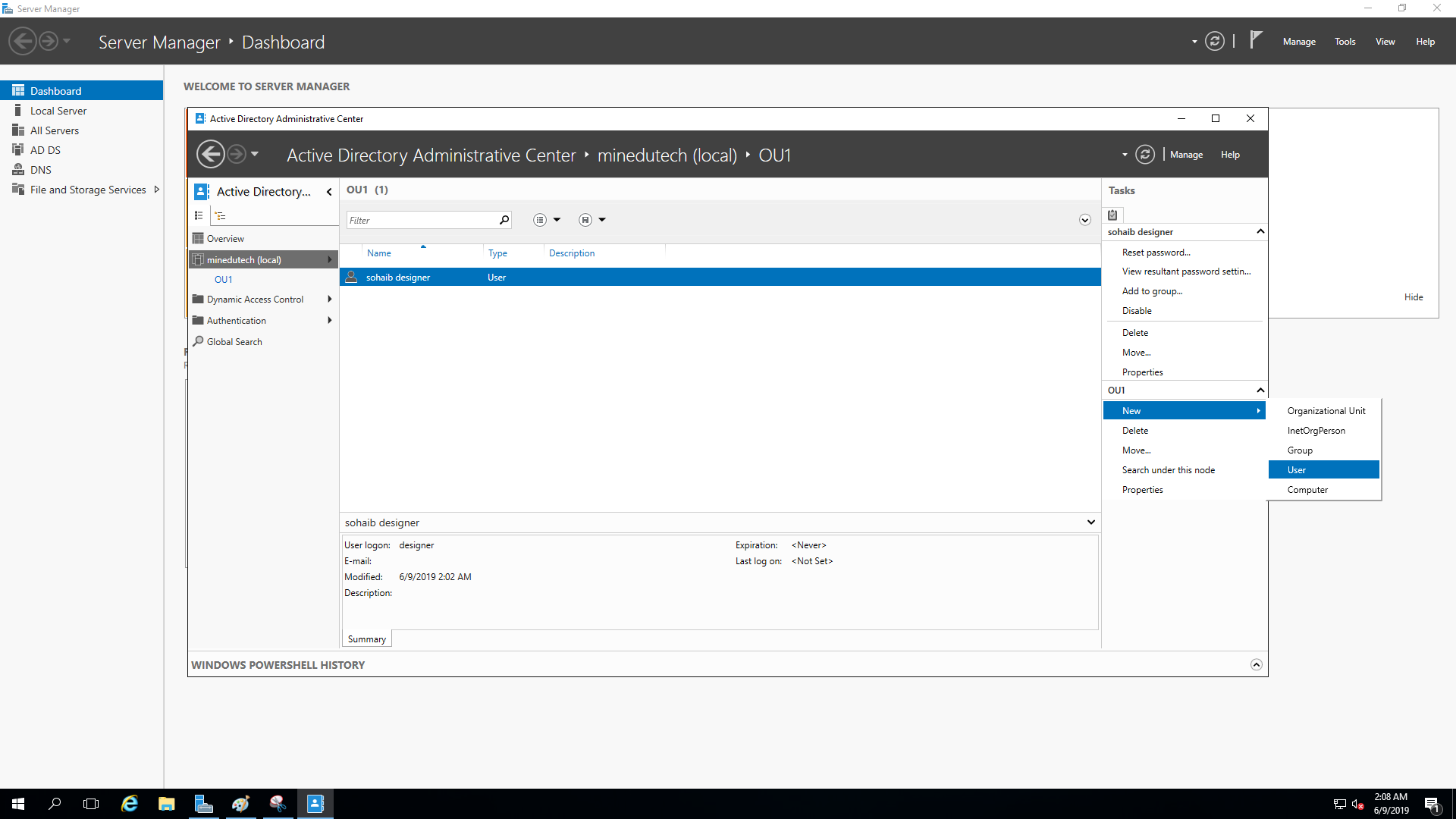
Open AD Administrative center
* Open AD Administrative center and select the OU then select user
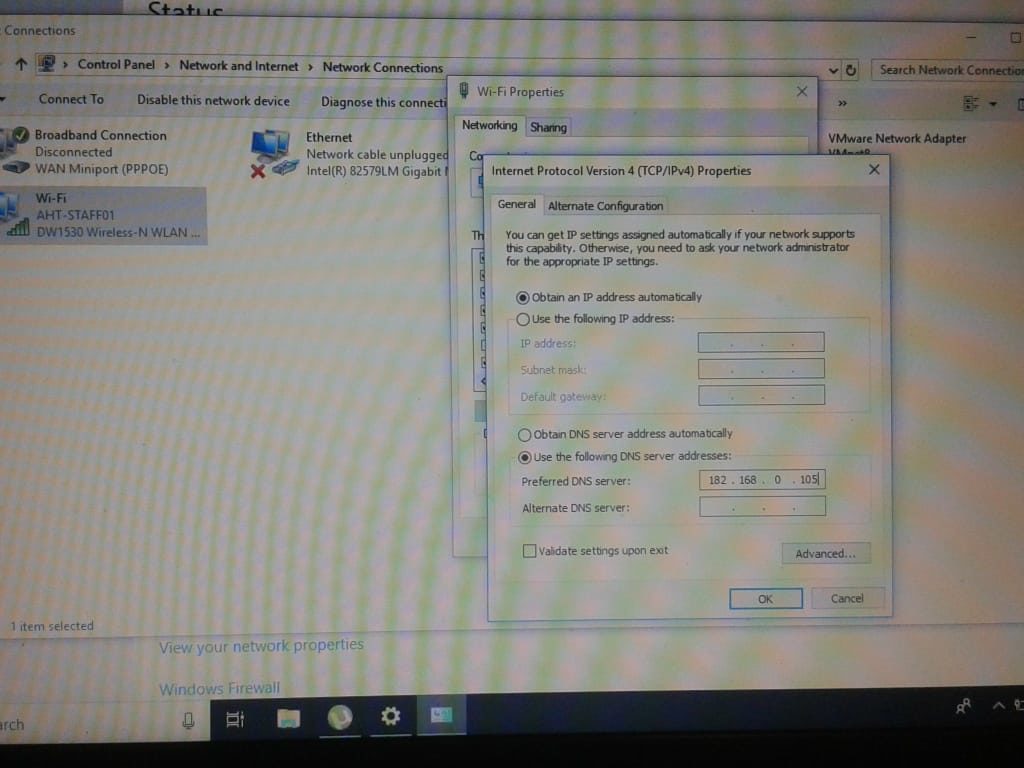
open client system open IP settings
Open client system; open IP settings assign server IP to system DNS
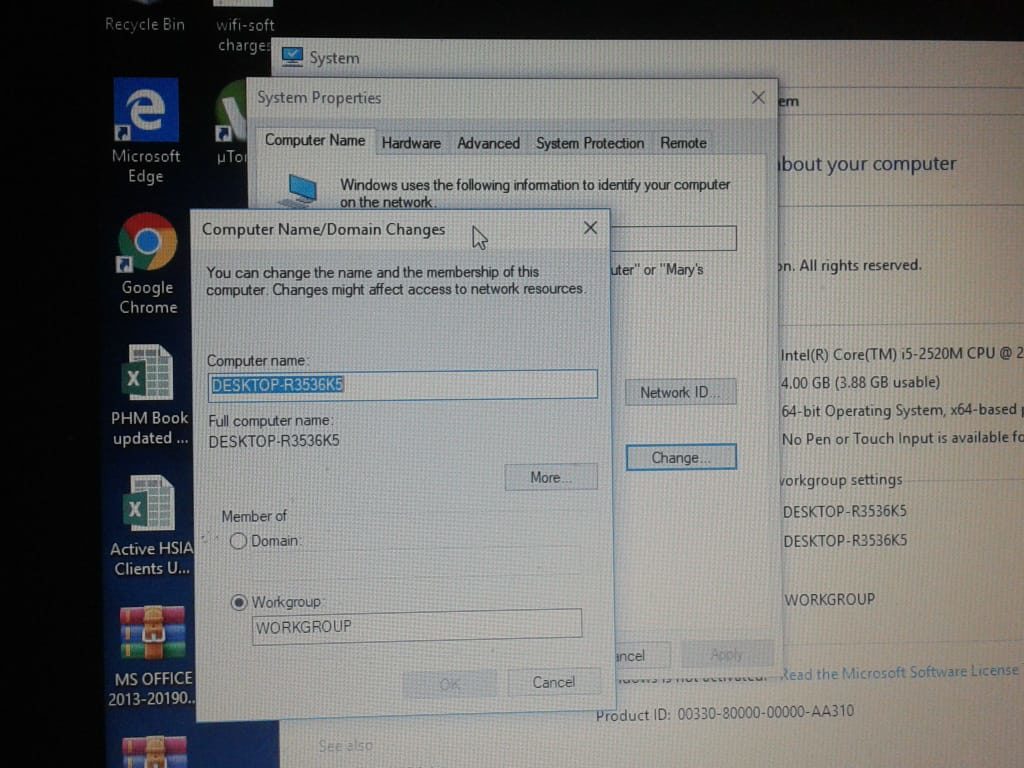
select domain
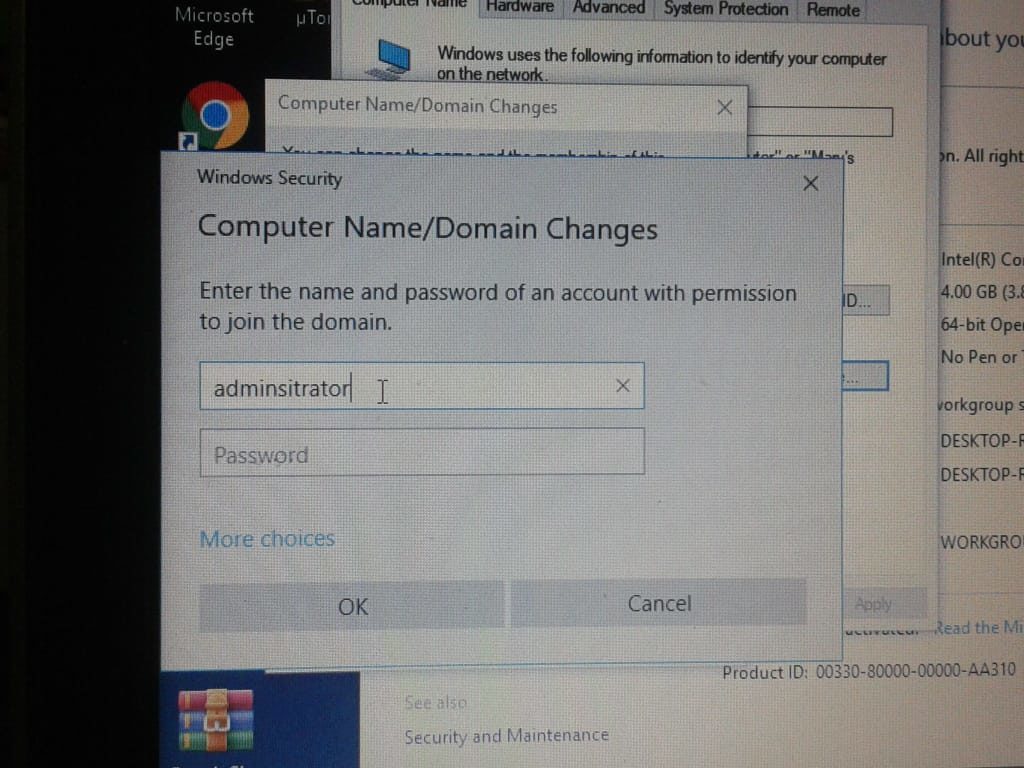
Enter Credential
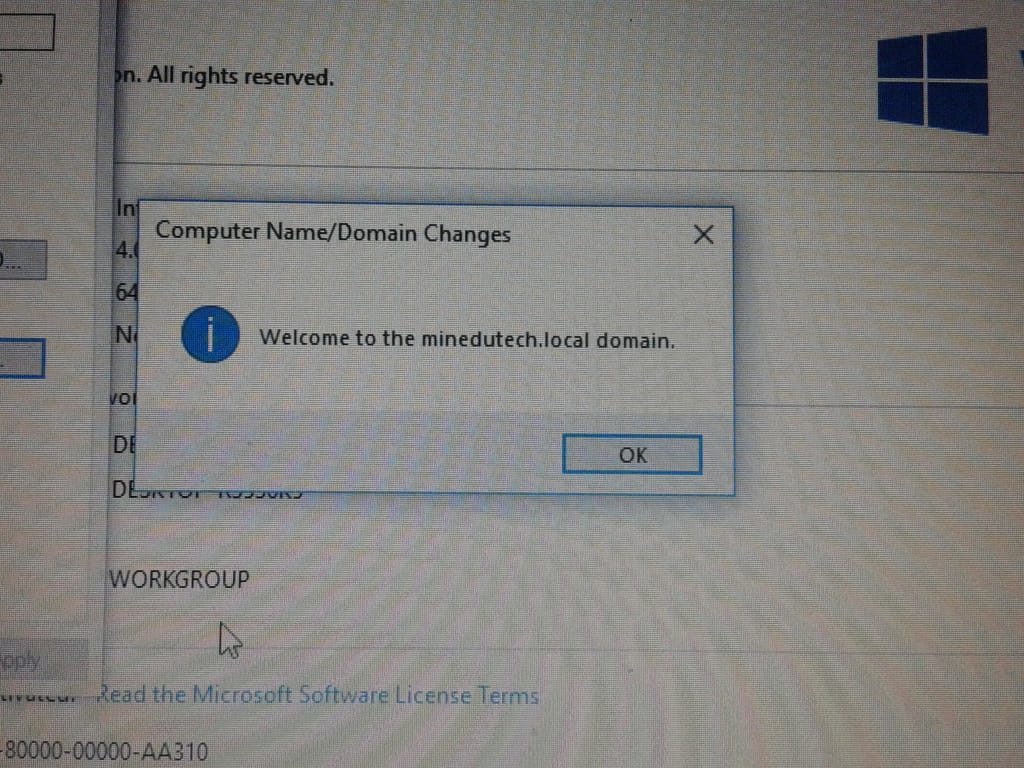
Client is now on domain